WIFI
Allows to turn on/off the WiFi and shows its status.
BLUETOOTH
Allows to turn on/off the Bluetooth and connect to headphone or speaker which supports
Bluetooth.
BATTERY SAVING SETTINGS
Allows to see the battery state and to optimise energy consumption.
You can set up time for your inkBOOK to get into sleep mode as well as time to turn off
when you do not read.
To save the energy and protect environment it is recommended to switch off electronics
devices when not in use.
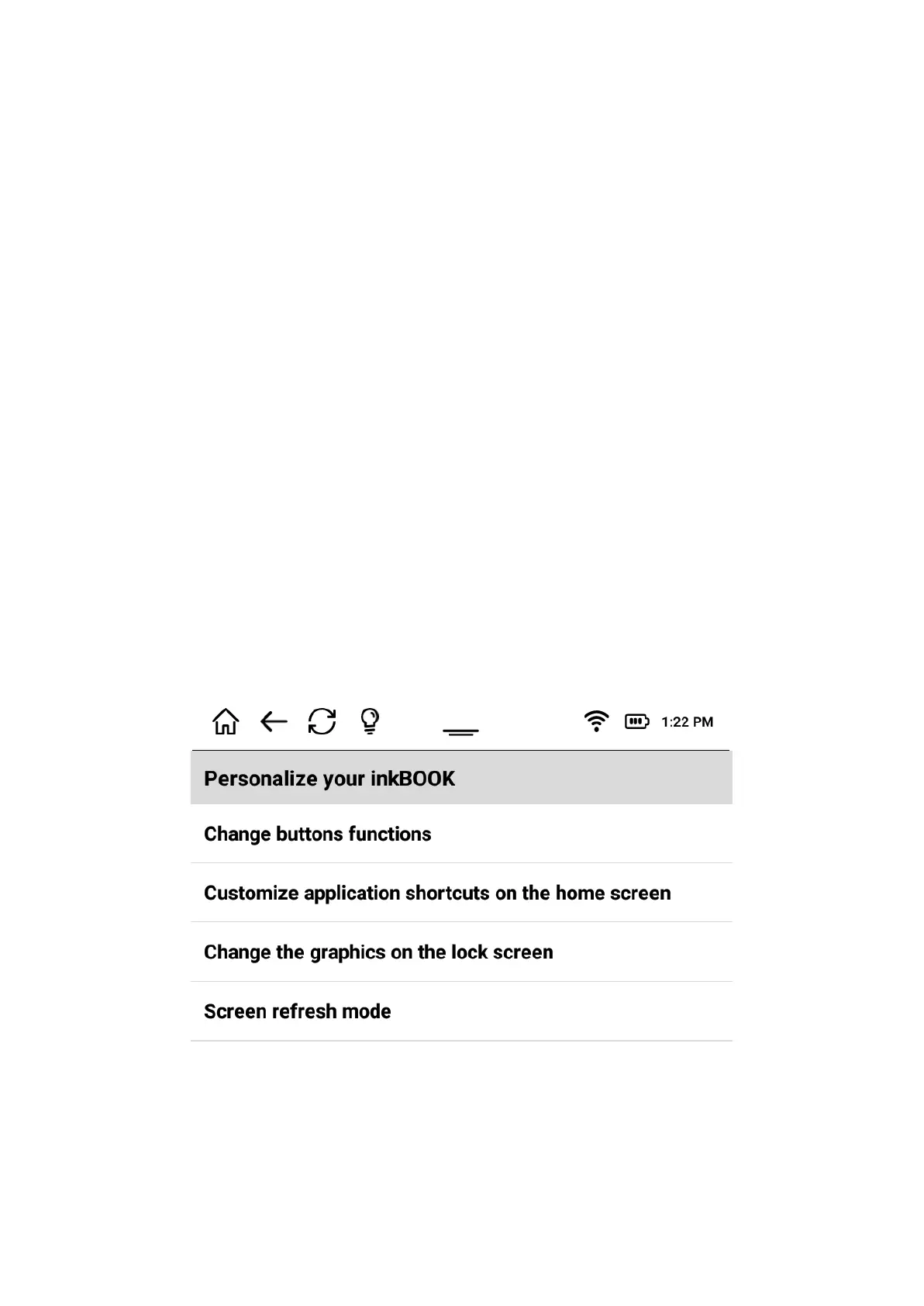
INKBOOK PERSONALISATION SETTINGS
Allows to personalise your inkBOOK
You can change the buttons settings, depending on which hand you prefer to use for
flipping pages, redefine them as you like. Buttons are set up to invoke Volume up/down
actions by default. This is because some external applications use this function to flip pages
with physical buttons. You can keep it that way, because our native reading app will flip
pages successfully with this setting.


 To Next Page
 Loading...