Also in some cases mobile networks do not provide sufficient data speed to be able to
download firmware update or successfully finish configuration of the device. In this case
please connect your inkBOOK to another wi-fi network.
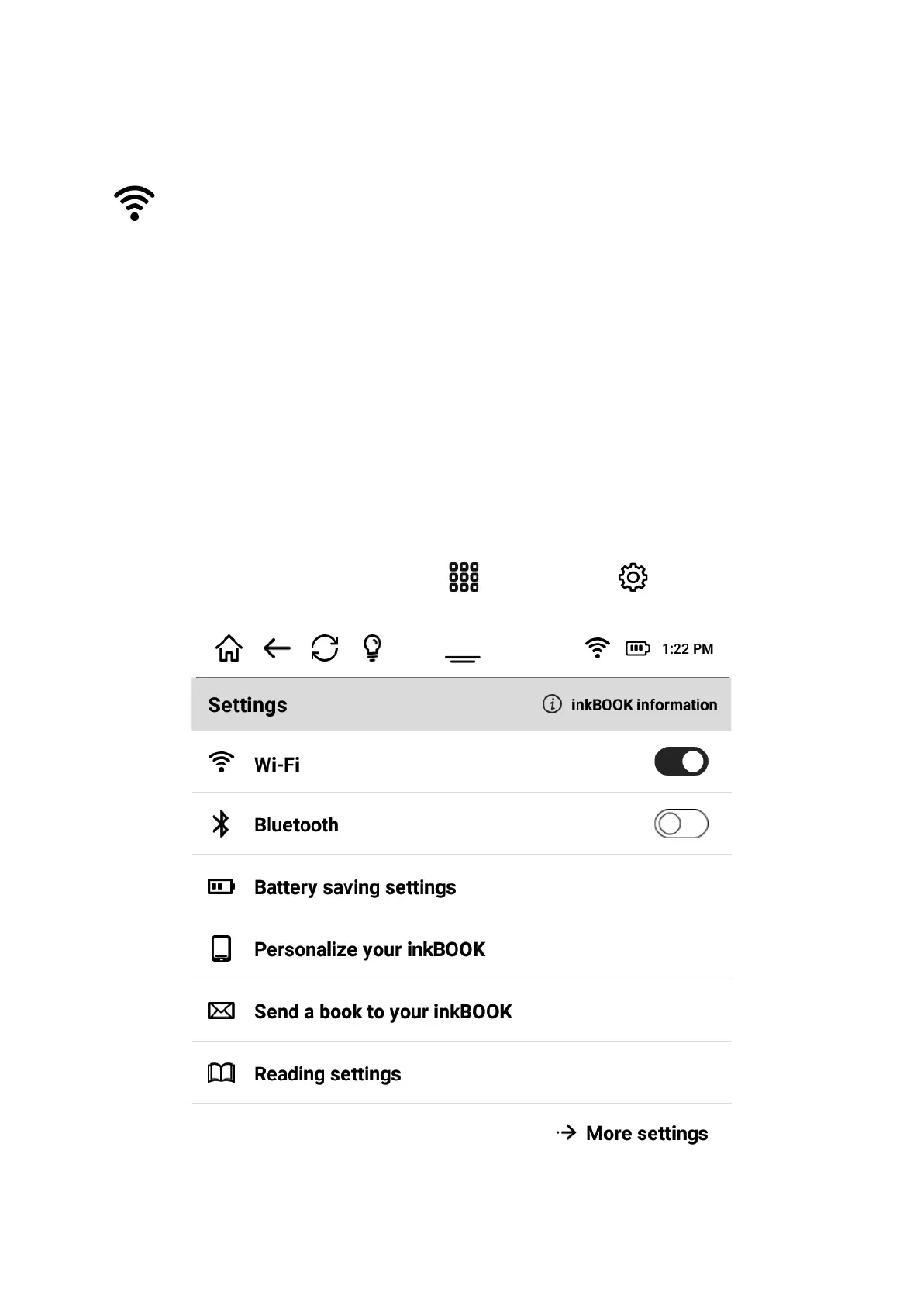
When your wi-fi is already configured you can connect to your network easily by taping on
icon on the top bar.
Hard reset
In very unlikely event you may need to restart your inkBOOK. To do so press and hold the
Power button for 10 seconds until the Power dialog box displays and then tap Restart.
Settings for your inkBOOK
To get to Settings (Menu) from Applications choose Settings .


 To Next Page