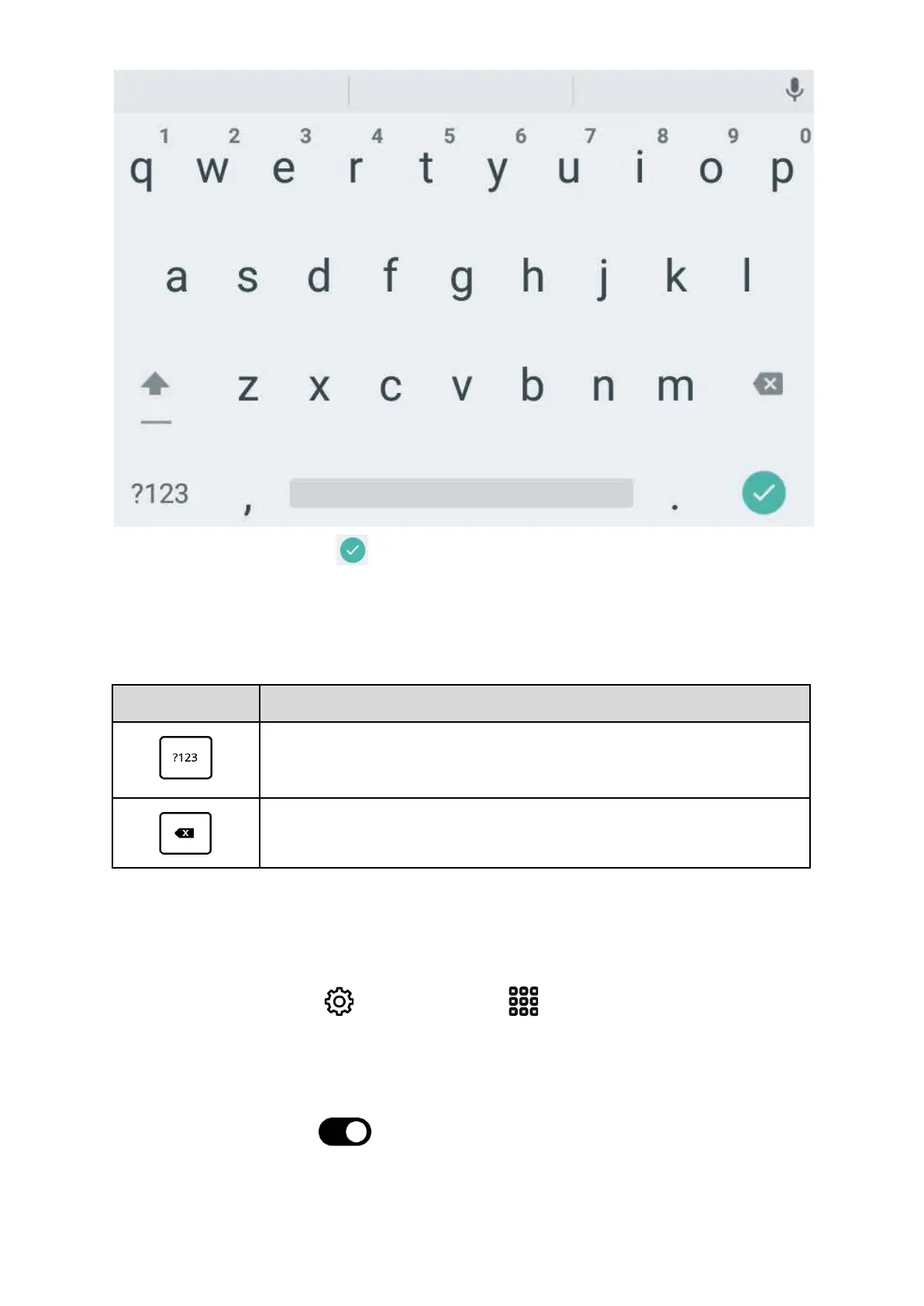
When you finish typing press button to close keyboard and invoke related action (eg:
start searching or open website address). In order to close keyboard press BACK button.
Special keys available on keyboard:
WiFi Connectivity
To set up a WiFi connection for the first time just do during the tutorial, which runs when you
turn your inkBOOK for the first time.
You can also go to Settings (from Applications or by tapping on top Status Bar)
and choose Wi-Fi .
The screen shows all available WiFi networks - if it does not please make sure WiFi is on by
pressing OFF/ON switch .
Now choose and tap on selected network name and enter password to connect.


 To Next Page