10
The unicycle supports Bluetooth, with a BLE ID of: V11Y-XXXXXXXX, where XXXXXXXX represents the last 8 digits of the SN.
Install the INMOTION App on your mobile device (iOS 12.1 and above or Android 7.0 and above supported) and follow the
prompts to connect to your unicycle.
For more detailed features, download the latest version of the user manual from the official website of INMOTION App.
Before using this product, please inflate the built-in air spring; otherwise, it may damage the product.
Prior to inflation, unscrew the red cap at the bottom of the footrest's air spring, then use the dedicated inflator provided with
the product for inflation. Refer to the table below for the recommended air pressure. It is advisable to check the air pressure
every three months.
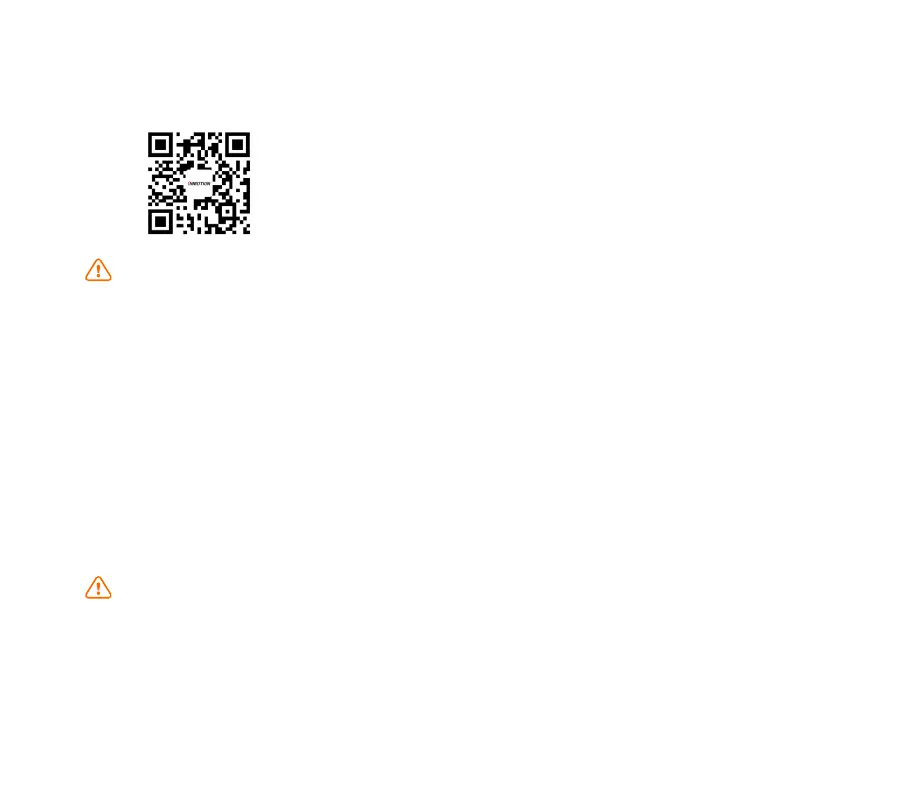
For instructions on how to check the air pressure of the top air spring after using it for a period of time, please scan the QR
code to watch the video.
Note:
Note:
Air Spring
Download INMOTION App
Download the App in the following ways
1. Scan the QR code on the left
2. Search "INMOTION" in the Apple store or Google Play Store.
3. Visit www.inmotionworld.com/support/app



 To Next Page