Default: Set the current
recording mode as the
default mode for the
device's physical REC button.
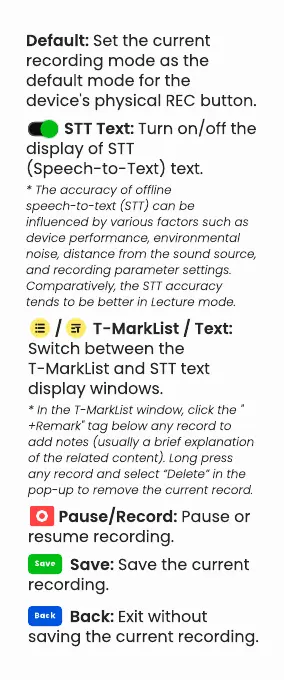
STT Text: Turn on/off the
display of STT
(Speech- to- Text) text.
/ T- MarkList / Text:
Switch between the
T- MarkList and STT text
display windows.
* The accuracy of offline
speech-to- text (STT) can be
influenced by various factors such as
device performance, environmental
noise, distance from the sound source,
and recording parameter settings.
Comparatively, the STT accuracy
tends to be better in Lecture mode.
* In the T- MarkList window, click the "
+Remark" tag below any record to
add notes (usually a brief explanation
of the related content). Long press
any record and select
“
Delete
”
in the
pop- up to remove the current record.
Pause/Record: Pause or
resume recording.
Save: Save the current
recording.
Back: Exit without
saving the current recording.



 To Next Page