Version 1.0 Preliminary 15
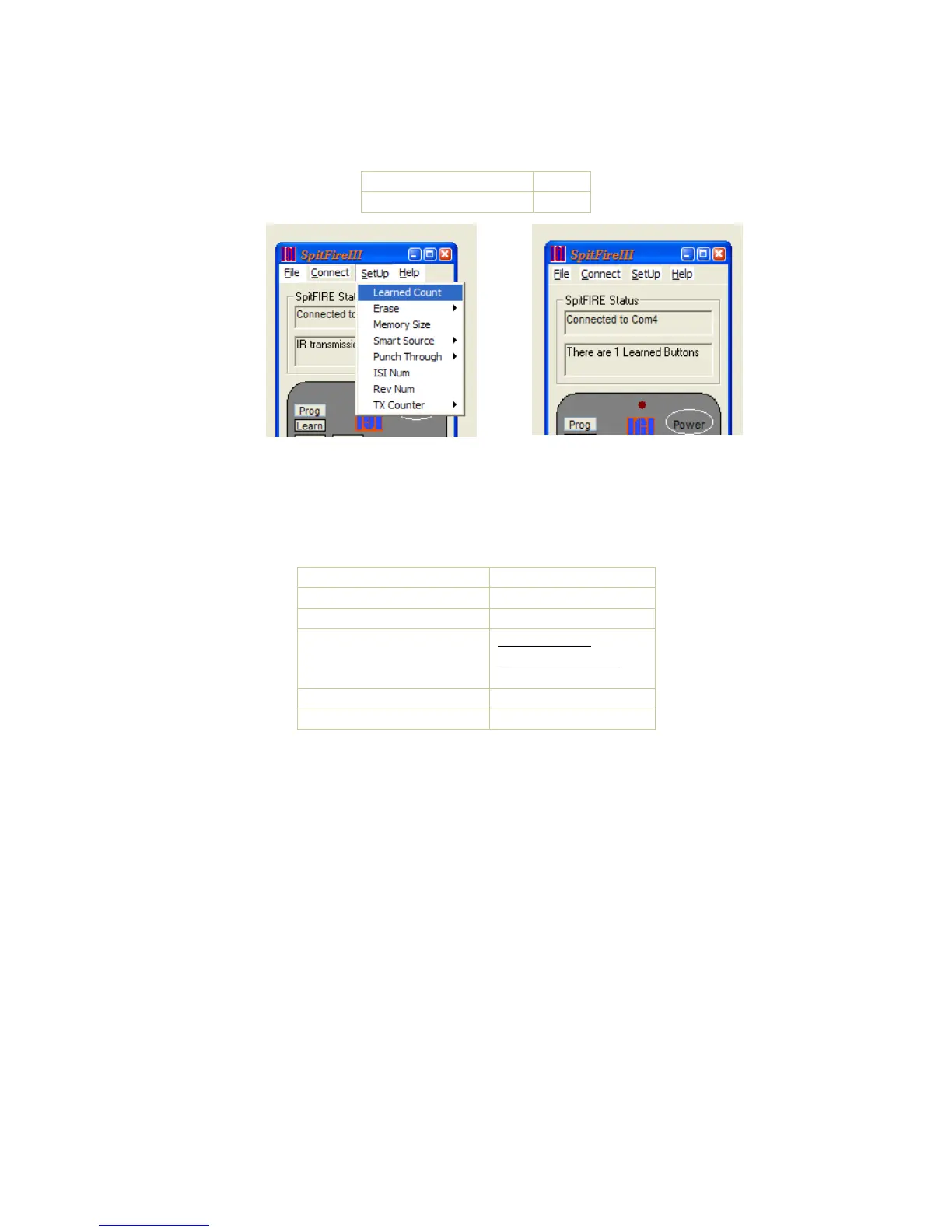
Learn Count
You can send a command to check how many learned buttons there are in the spitfire memory.
Send NumLearnedBut 0-112
Macros
There are 4 macro buttons in the Spitfire (F1 – F4). These buttons can be programmed to
transmit a series of up to 24 button codes each. The macro buttons can be setup to send a series
of favorite channels or to turn all your equipment on or off. To program a macro Send the
following buttons…
Function Status returned
Send the Learn command
2 indicator LED flash
Send F1 – F4 2 LED flashes
Send button sequence IR Xmit Start then
IR Xmit complete
for each button sent
End of String (Learn) 2 Flashes
End of Macro (Program) 3 Flashes
Multi String Macros
You can program a macro button to send out a sequence of buttons that is different each time the
macro button is sent. For example, if you want to program macro 1 to go to each of your favorite
sports channels.
o Press CBL (1 flash)
o Press LEARN (2 flashes)
o Press the F1 (2 flashes)
o Press #1
o Press #9
o Press LEARN (end of 1
st
macro string for channel 19) (2 flashes)
o Press #2
o Press #8
o Press LEARN (end of 2
nd
macro string for channel 28) (2 flashes)
o Press #4
o Press #5
o Press PROGRAM (end of 3
rd
macro string for channel 45 and end of the macro) (3 flashes)


 To Next Page
 Loading...

