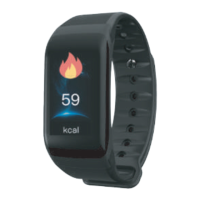
English User manual
and displays the alarm icon.
Reminder mode
- Vibration: When the mobile phone APK sets the
the push message, only the vibration reminder
appears on the watch;
- Bright screen + vibration: When the mobile pho-
ne APK side sets the alarm time to arrive or rece-
ives the push message, the watch displays
bright screen + vibration reminder;
Gesture Intelligence
Select the wearing method (left hand / right hand)
and wear the watch on the selected hand (left
hand / right hand);
- Raise the hand to brighten the screen: Turn on
the hand to brighten the screen, raise the hand
so that the bracelet is tilted inward toward the
front of the hand, and the wristband end displays
a bright screen;
- Quick view:Turn your the wrist and to activate
brighten the screen. The 90 degree flip makes
the wristband tilt inward toward the front of the
wrist, and the wristband displays a bright screen.
Turn this option on/off within the APP.
Unbinding the device
Open Da Fit, in the “More” interface, click “Con-
nect Device” will pop up “Current Device” “Dis-
connected from Current Device”, click, it will
appear whether to disconnect Bluetooth, select


 To Next Page