Operating manual: innovaphone IP111, IP112, IP222 and IP232 IP phones
Page 14 / 18
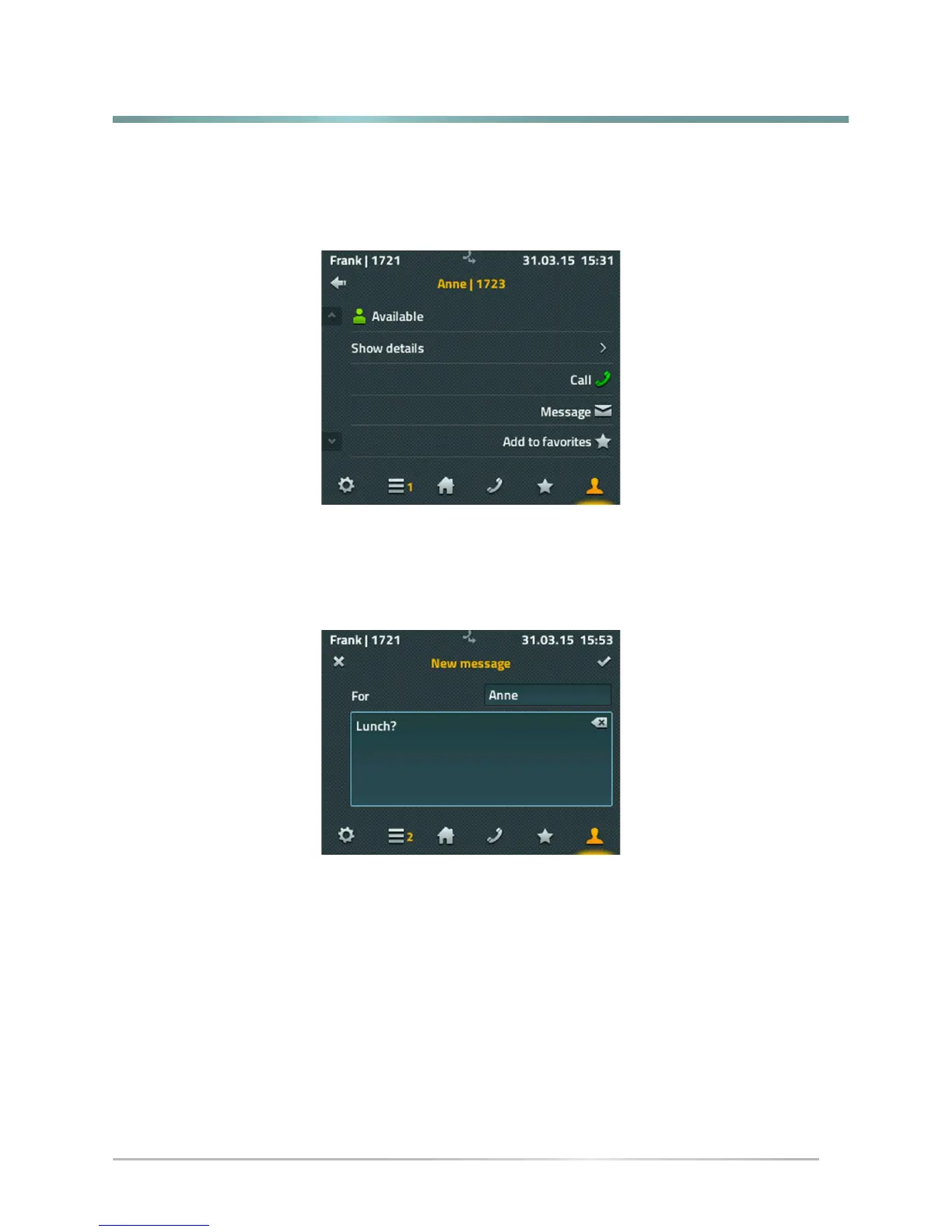
The following screen shows all the information available on the subscriber you have
selected. You may call the person directly, send a message or to add the person as a
personal favorite.
If you would like to call the person, it suffices to pick up the handset to make the call.
Another window will open for sending messages.
A full keyboard is also available for writing messages. Press the tick icon at the top right to
send the message. A message appears briefly for about 2 seconds showing the send status
- if successfully sent: a simple "OK" appears, if unsuccessful: "Operation failed". Most
“operation failed” cases are due to the remote terminal not being capable of receiving
messages.



 To Next Page