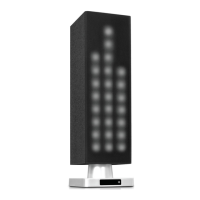
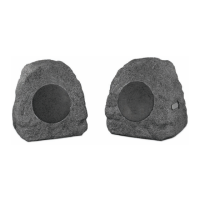
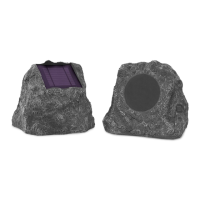
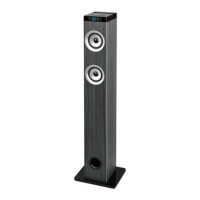
SPEAKER RECEIVERS
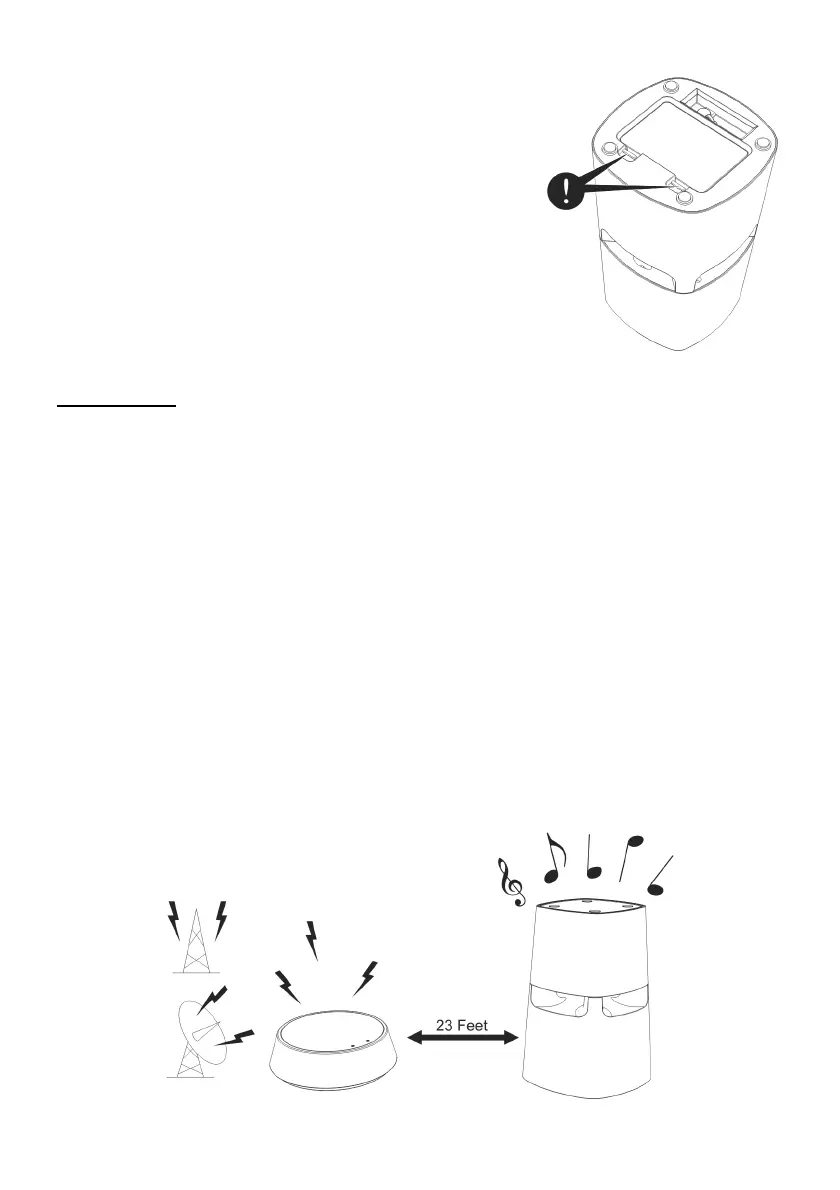
1. Remove the Battery Door on the bottom of the speaker by
pushing the Battery Door Lock.
2. Insert 6 ‘AA’ size ALKALINE batteries into the battery
compartment with correct polarity then replace the door of
the battery compartment
3. You may also connect the provided AC/DC 9V Adaptor to
the DC input jack on the bottom of the speakers and then
plug it to the wall AC outlet. Note that this Speaker will
not charge any batteries.
OPERATION
1. Turn on the audio source to which the transmitter is connected. The Signal LED on the
transmitter will light up.
2. Select a channel on the transmitter for best performance in your location.
3. Press the “POWER” button on the speaker to turn the speaker ON. Press the “TUNE” button to
get the best tuning reception in the speakers. When the button is pressed, frequency tuning
starts automatically and it stops when a signal is detected.
4. Volume can be increased from the speaker by pressing “ + ” button or decreased by pressing the
“ – “ button.
5. Tuning
a) Keep a distance of approximately 23 feet between speaker and transmitter, and then
press the “ TUNE “ button until you achieve the best reception.
b). If the frequency gets jammed, select another channel on the transmitter, then press the
“ TUNE “ button again.
6. Switching Off
a) For protection of the transmitter and to save power, the transmitter will turn off
automatically if there is no/weak operation input signal from the audio source for more
than approximately 4 minutes. If a signal is detected, the transmitter will work again
automatically.
b) Press the “POWER” button to turn off the speaker. The LED light goes off.



 To Next Page