Need help?
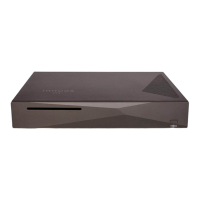
Do you have a question about the innuos PHOENIXNET and is the answer not in the manual?
Input Ethernet port for network connection.
Output Ethernet port for network connection.
Switch to turn the device on or off.
Location of the fuse for electrical protection.
Port for connecting the main power cable.
 General
| Brand | innuos |
|---|---|
| Model | PHOENIXNET |
| Category | Stereo System |
| Language | English |


 To Next Page