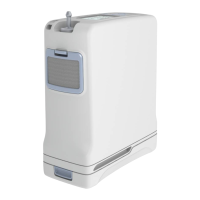
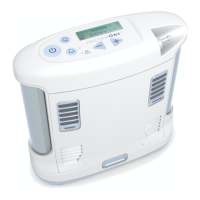
04 Inogen One® G3 portable concentrator
ON/OFF button
Press button once to turn the device “ON”.
Press and hold for one second to turn the device
“OFF”.
Audible alarm button
Pressing this button will toggle the Inogen One®
G3’s breath detection audible alert on and off.
See page 12 for more information.
Flow control buttons
Use the ow control buttons (– or +) to change the
setting shown on the display. Depending on device
version, there are four or ve settings (1 to 4, or 1
to 5 pulsed).
Display backlight button
Push this button to turn on the display backlight
for better illumination of the device settings. The
backlight turns off again automatically after 10
seconds.
Inogen One® G3 device overview.
Display
Flow control
Alert/alarm light
Audible alarm button
Breath detection light
ON/OFF button
Display back light button
605360-HC Inogen One G3 POC Brochure NHS-03.indd 4 09/06/2017 08:31


 To Next Page
 Loading...