INOGENI SHARE2 User Guide
Version 1.1
7/22/16
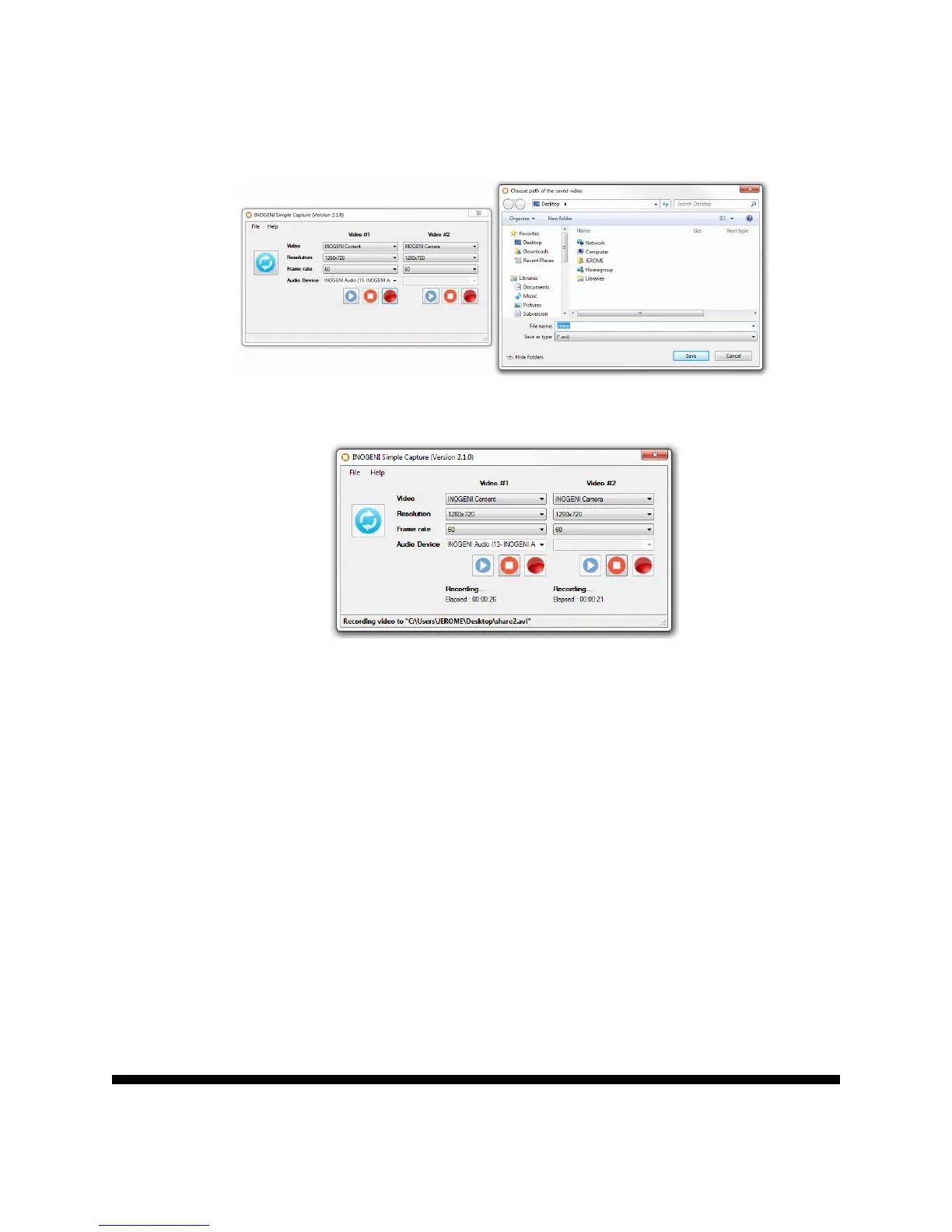
3. If you want to capture to a file, you can click on the Record button and the
application will ask you where to save the file to.
4. The application will then record your video sources.
The length of the recording will also be available in the application.
You can also use our INOGENI Simple Viewer which only offers a single preview of a
video and audio sources.
Or you can use your favorite application with the INOGENI.



 To Next Page