01
Unpacking and Device Checking
Please unbox and take out the device and all accessories
carefully, and ensure all lists have been gotten before
discarding the cardboard box. If any items are lost or
damaged in transit, please contact with our distributors.
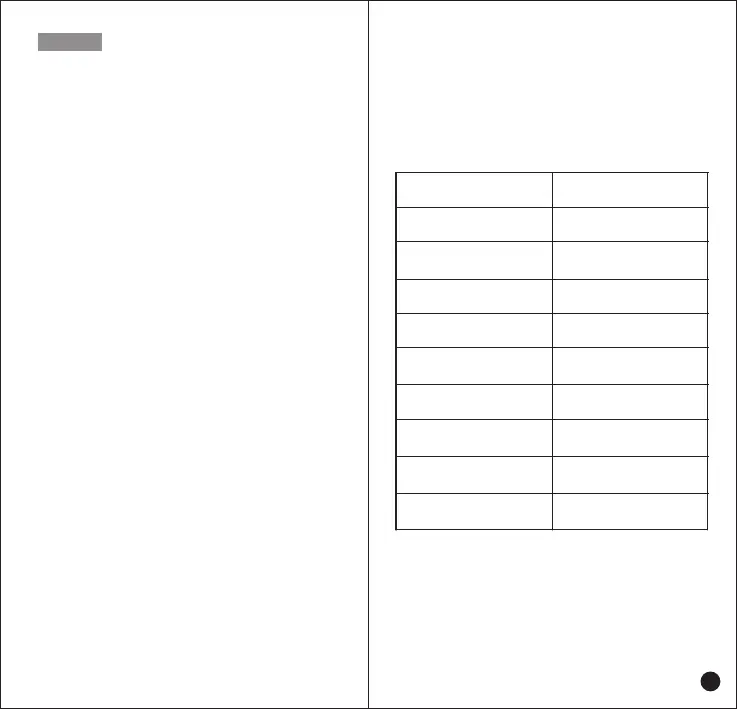
Items
Number
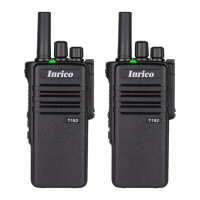
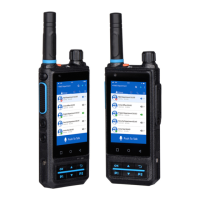
PoC Radio
Lithium Battery
Power Adaptor
USB Charging Cable
Belt Clip
Belt Clip Mounting Screws
Antenna
Hand Strip
User Manual
1
1
1
1
1
2
1
1
1
Contents
01
01
02
03
03
03
03
05
06
08
08
08
09
09
10
10
11
11
12
12
12
12
12
12
13
13
15
Unboxing and Device Checking
..........................................
Handling Precautions
.............................................................
Radio Regulations
.................................................................
Operating Environment Requirement
.................................
Accessories Requirement
....................................................
Charging Security.
................................................................
Battery Care
..........................................................................
Clean and Maintenance
.......................................................
Product Overview
...................................................................
Accessories Installation
.........................................................
Insert SIM Card
.....................................................................
Attaching the Battery
............................................................
Removing the Battery
...........................................................
Installing Antenna
..................................................................
Attaching/ Removing the Belt Clip
.......................................
Attaching the Hand Strip
.......................................................
Attaching the Headset
..........................................................
Desktop Charger
....................................................................
Basic Functions
......................................................................
Powering Up and Powering Off the Radio
..........................
Volume Adjust
.......................................................................
Headset
..................................................................................
Private Call
............................................................................
Group Switch
.........................................................................
Status Indicators
.....................................................................
Basic Troubleshooting
...........................................................
Specification
.............................................................................



 To Next Page