www.insigniaproducts.com
9
NS-CH1IPC8
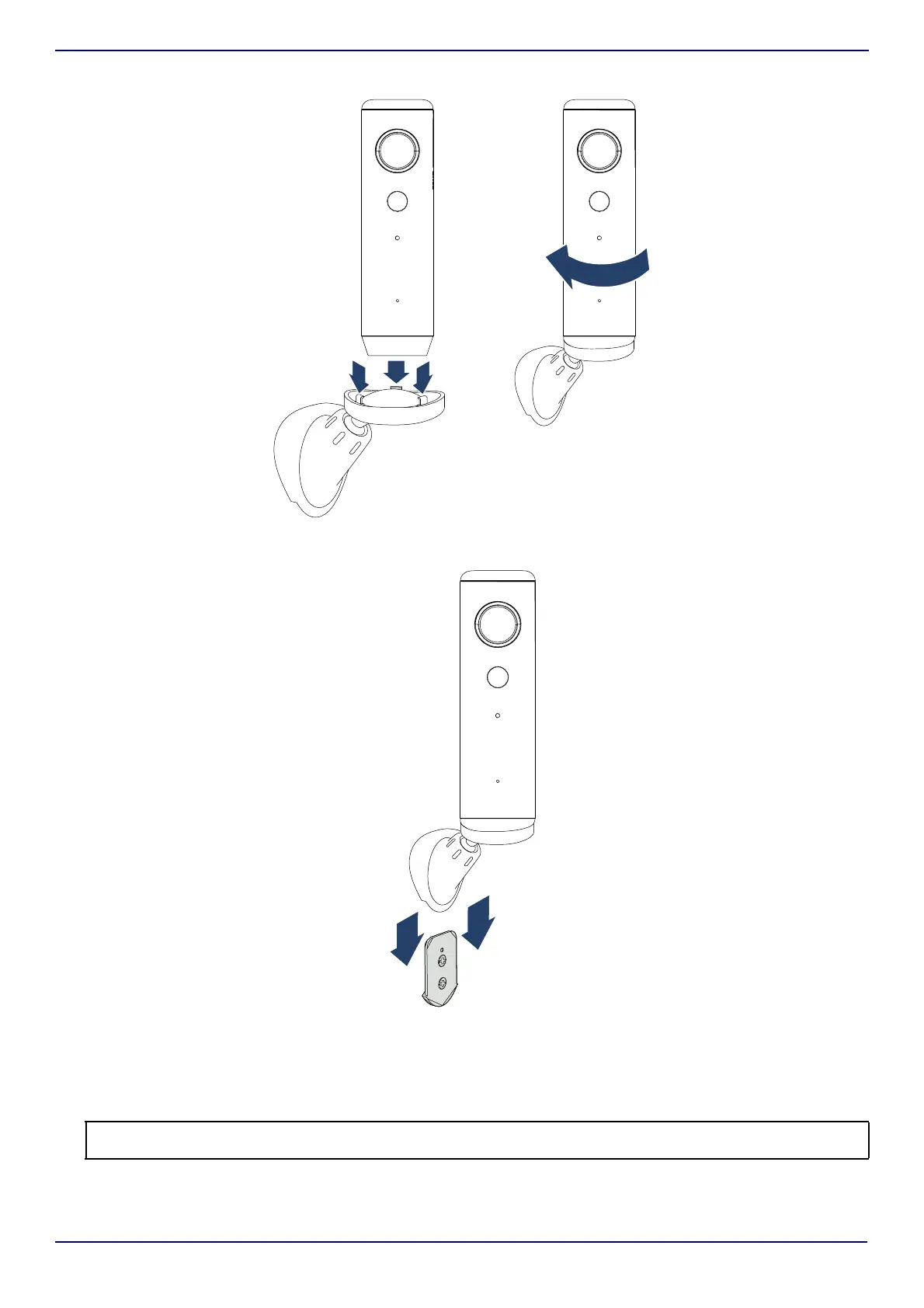
4 Align the bottom of the camera with the tabs on the magnetic base, then twist the camera to secure.
5 Slide the wall mount onto the wall plate.
Inserting a micro SD card
1 Pull open the cover to the micro SD slot on the back of your Wi-Fi camera.
2 Insert a micro SD card (up to 32 GB) into the slot until it clicks into place.
Note: The micro SD card is only used if your network or Wi-Fi stops working. Anything saved to the micro SD card is only accessible via
the Connect app and cloud services. In most cases, a small-capacity micro SD card (1–4 GB) would be sufficient.


 To Next Page