15
NS-P4113 Portable CD/MP3/WMA Player and Digital FM Tuner
www.insignia-products.com
Playing tracks randomly
To randomly play tracks:
1 Press the MODE/CLEAR button four times for an audio CD or five
times for an MP3 or WMA CD to start random mode. RND
appears on the display.
2 Press the
/ button to start playback in Random order.
3 Press the
/ or / button to go to the previous or next
random track.
4 Press the MODE/CLEAR button once to return to the normal
playback.
Programming a playback list
Audio CD
To program a playlist:
1 Press the
/ button, wait five seconds, then press the /
button.
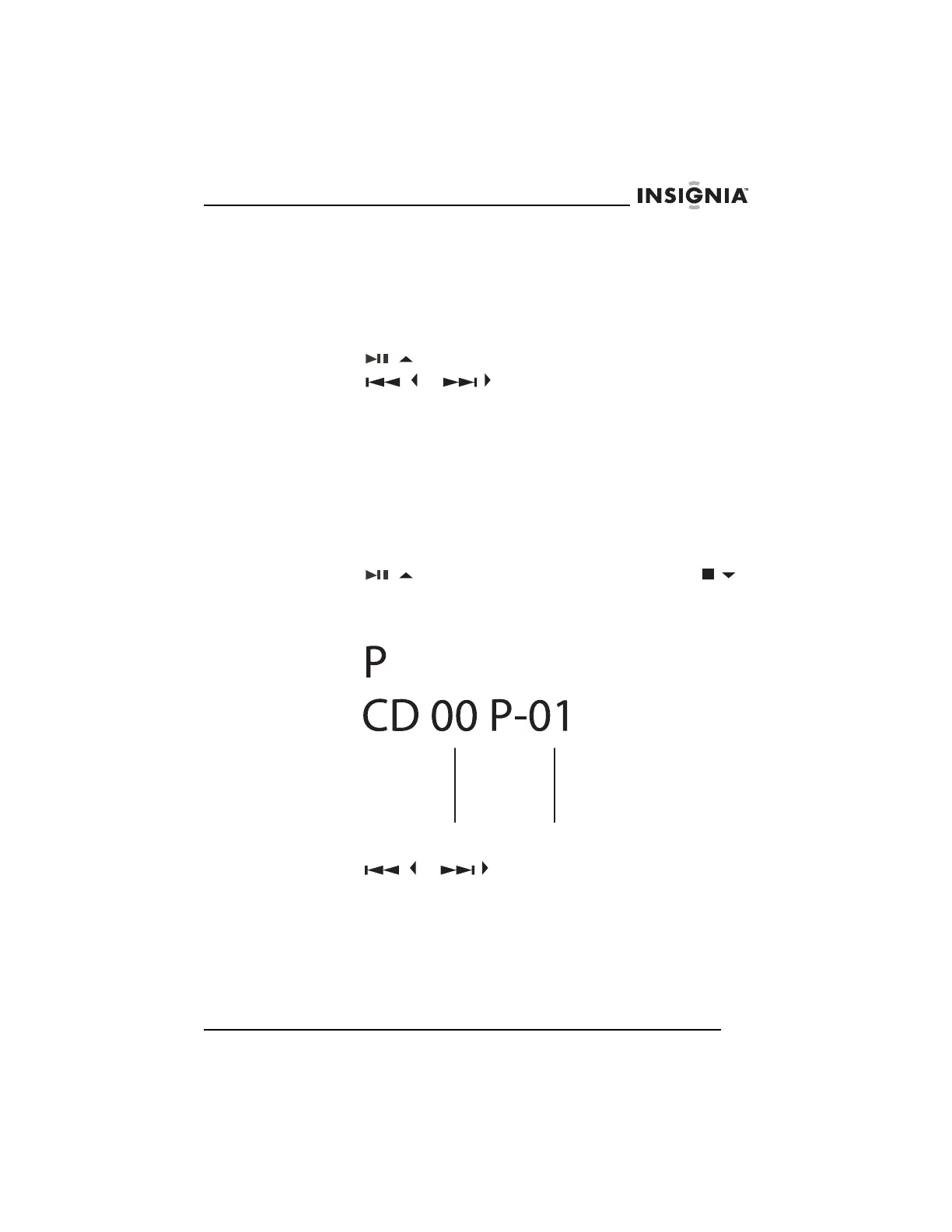
2 Press the PROG/ENTER button. The track number and P appear
on the display to indicate the first selection.
3 Press the
/ or / button to select the track you want to
add to the playlist.
4 Press the PROG/ENTER button once to store the track into
memory.
Track
number
Program
number



 To Next Page