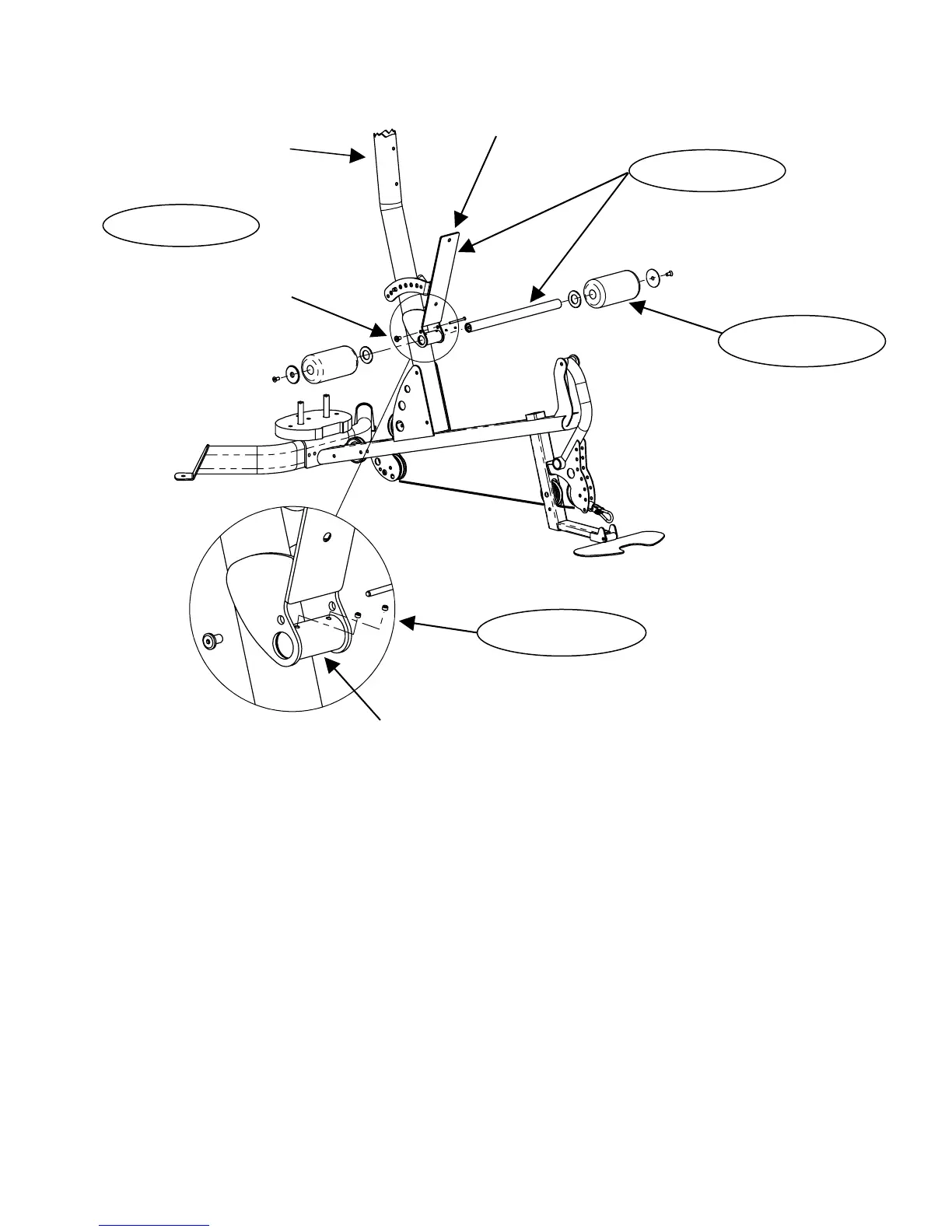
Backpad Tilt Frame
Main Upright
Attach Backpad Tilt Frame
with Roller Tube
1 – ¼-20 x 3” Button Head Bolt
1 – ¼-20 Flat Head Nut
Attach Rollers
STEP 23
STEP 25A
STEP 24
STEP 25B
2 – ¼-20 x 3/16” long Setscrews
Roller Tube Mount
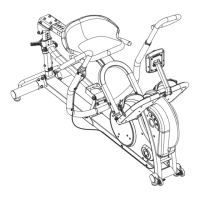
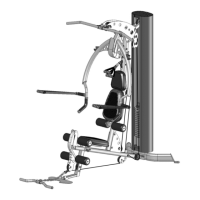
Step 23: Attach Backpad Tilt Frame to Main Upright with the Roller Tube
as shown in diagram.
Step 24: Install 3” long button head bolt and flat head nut into Backpad
Tilt Frame using:
One (1/4-20 x 3” Button Head Bolt)
One (1/4-20” Flat Head Nut)
Wrench tighten bolt and flat head nut assembly until the backpad
Tilt Frame swings forward and backwards with a moderate resistance.
Step 25A: Slide Plastic Washers onto Roller Tube, followed by Roller Pads.
Finally, secure Roller Pads with Aluminum Endcaps and 1” Flat
Head Bolts.
Wrench Tighten Now
Step 25B: Install two ¼-20 x 3/16 long setscrews into the Roller Tube Mount
as shown. Tighten setscrews.
Page 18


 To Next Page