EasyManua.ls Logo

INSTEON 2450 - User Manual

INSTEON 2450
16 pages
Print Icon
To Next Page IconTo Next Page
Loading...
Page 1 of 16 Rev: 1/21/2014 7:20 AM
INSTEON
®
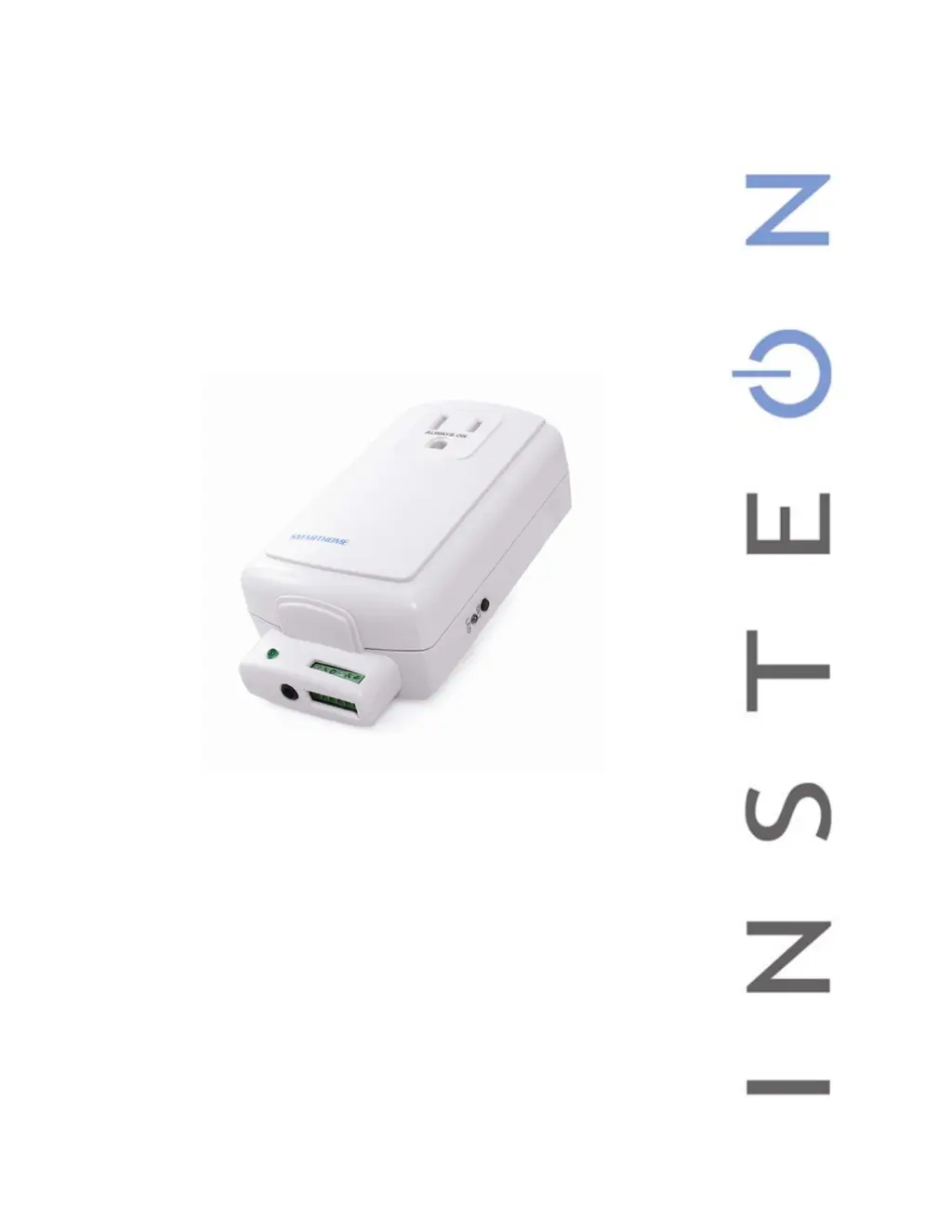
I/O Linc
Low Voltage / Contact Closure Interface
Owner’s Manual
2450

Questions and Answers

  • R
    Richard AndrewsJul 28, 2025
    What to do if my INSTEON Controller I/O Linc won't link?
    • L
      lauraturnerJul 28, 2025
      If your I/O Linc won’t link or work with a controller or responder, there are several potential causes: * The controller or responder might have been reset without unlinking I/O Linc. In this case, re-link I/O Linc to the controller or responder. * The controller or responder and I/O Linc may be on opposite power line phases. Ensure two dual-band INSTEON devices are properly installed to bridge the two power line phases. * The INSTEON signal may be too weak. Try adding or moving INSTEON devices, as all INSTEON devices act as network repeaters. * Large appliances may be producing electrical noise. Install a power line noise filter (#1626-10) to filter electrical noise.
  • J
    john15Aug 3, 2025
    Why is my INSTEON Controller I/O Linc responding slowly?
    • M
      Megan Fisher DDSAug 3, 2025
      If your I/O Linc is taking a long time to respond to a Controller, it might be because the controller is sending commands to a responder that is no longer in use, which overloads the signal. Unlink any unused responders from the Controller. If that doesn’t work, you can perform a factory reset on the Controller.
  • S
    Stephanie WolfeAug 8, 2025
    What to do if responders are slow to respond to INSTEON Controller I/O Linc?
    • C
      Christina FloresAug 9, 2025
      If responders are taking a long time to respond to I/O Linc, it could be because I/O Linc is sending commands to a responder that is no longer in use, which overloads the signal. The solution is to unlink any unused responders from I/O Linc. If that doesn’t work, perform a factory reset.
  • S
    Susan GrayAug 15, 2025
    How to unlock my INSTEON 2450 Controller I/O Linc?
    • Z
      zparksAug 15, 2025
      If your I/O Linc is locked up, it may have glitched due to a surge or excessive noise on the power line. Try unplugging I/O Linc for 10 seconds and then reinstall it. If that doesn’t work, perform a factory reset.
  • M
    Michelle HopkinsAug 20, 2025
    Why is the status LED on my INSTEON 2450 I/O Linc not turning on?
    • G
      gbowenAug 21, 2025
      If the Status LED on your I/O Linc is not turning on, the I/O Linc may not be getting power. Ensure that the I/O Linc is not plugged into a switched outlet that is turned off.

Summary

Installation

I;O Linc Screw Terminals

Explains the function and connection points of the I/O Linc's screw terminals.

Setting Up the I;O Linc Sensor Input

Linking the I;O Linc Sensor Input to an INSTEON Responder

Describes how to connect the sensor input to another INSTEON device for control.

Setting Up The I;O Linc Output Relay

I;O Linc Output Relay Modes

Details the different operational modes available for the I/O Linc's output relay.

Linking an INSTEON Controller to Control the I;O Linc Output Relay

Guide on connecting an INSTEON controller to manage the I/O Linc's output relay.

Setting the I;O Linc Output Relay Mode

Setting the I;O Linc Momentary Duration

Unlinking I;O Linc from an INSTEON Controller

Advanced Features

Resetting I;O Linc to its Factory Default Settings

Procedure to revert the I/O Linc to its original factory configuration and clear all settings.

X10 Programming Options

Troubleshooting

Specifications

INSTEON 2450 Specifications

General IconGeneral
BrandINSTEON
Model2450
CategoryController
LanguageEnglish