6
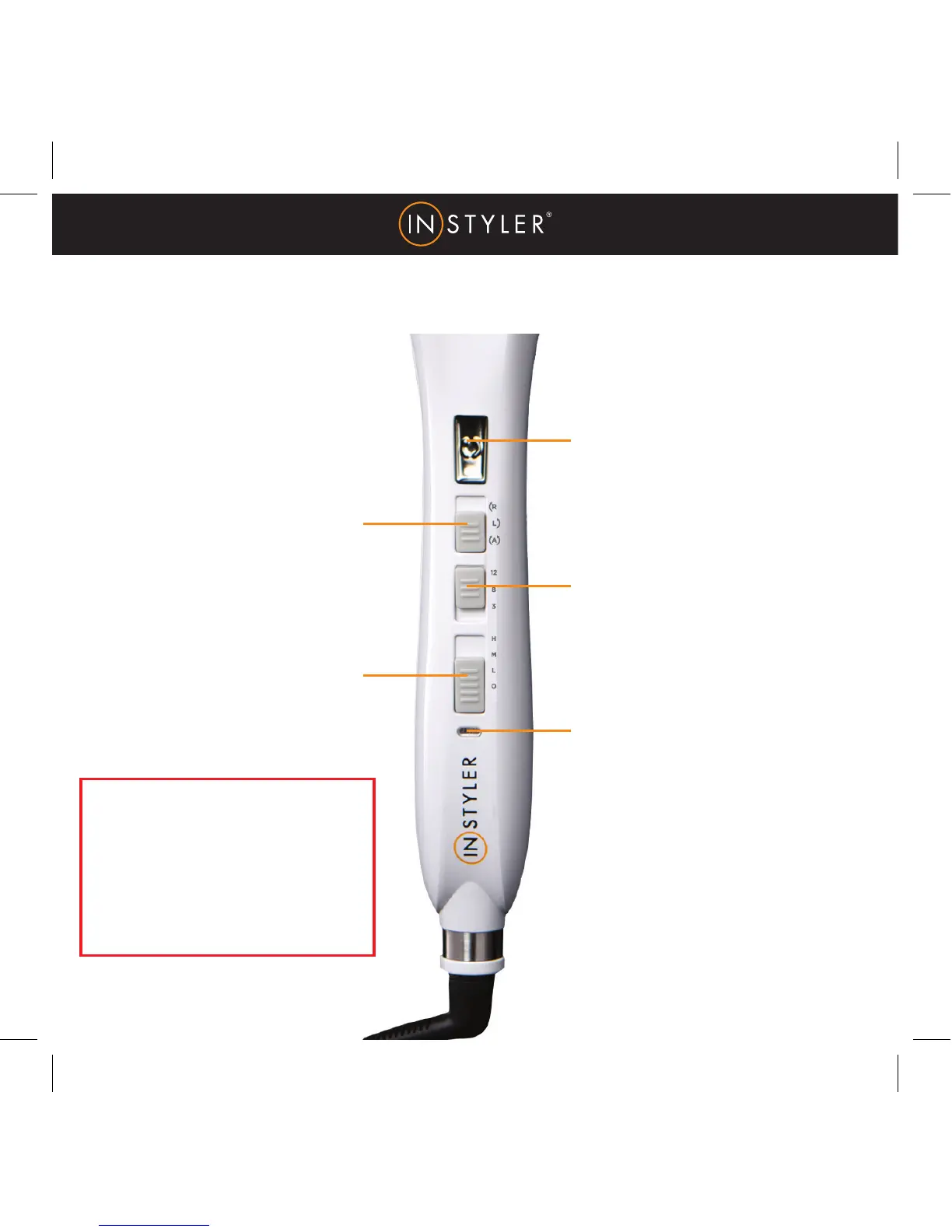
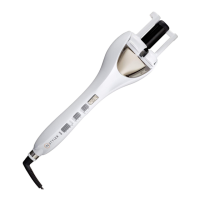
CONTROLS
ROTATION BUTTON
Tap and immediately release
to start rotation. Unit will
automatically rotate until
the timer beeps.
TIMER SWITCH
3 Timer Settings
Slide switch up to select
desired amount of time (see
chart on p7).
POWER INDICATOR LIGHT
When the light stops blinking,
the unit is ready for use.
DIRECTION SWITCH
3 Rotation Settings
“R” rotates the barrel to the
right. “L” rotates the barrel to
the left. “A” will automatically
switch rotation from left to right
after each completed curl.
POWER/HEAT SELECT
Powers unit on and allows you
to select heat setting (See chart
on p7).
TANGLES & JAMS
In the unlikely event of a tangle,
slide the Power/Heat Select
button to “O,” untangle the hair.
Then, turn the unit back on to
reset and re-load your hair.


 To Next Page