Intel Desktop Boards D845GRG and D845GBV Product Guide
60
Removable Devices Submenu
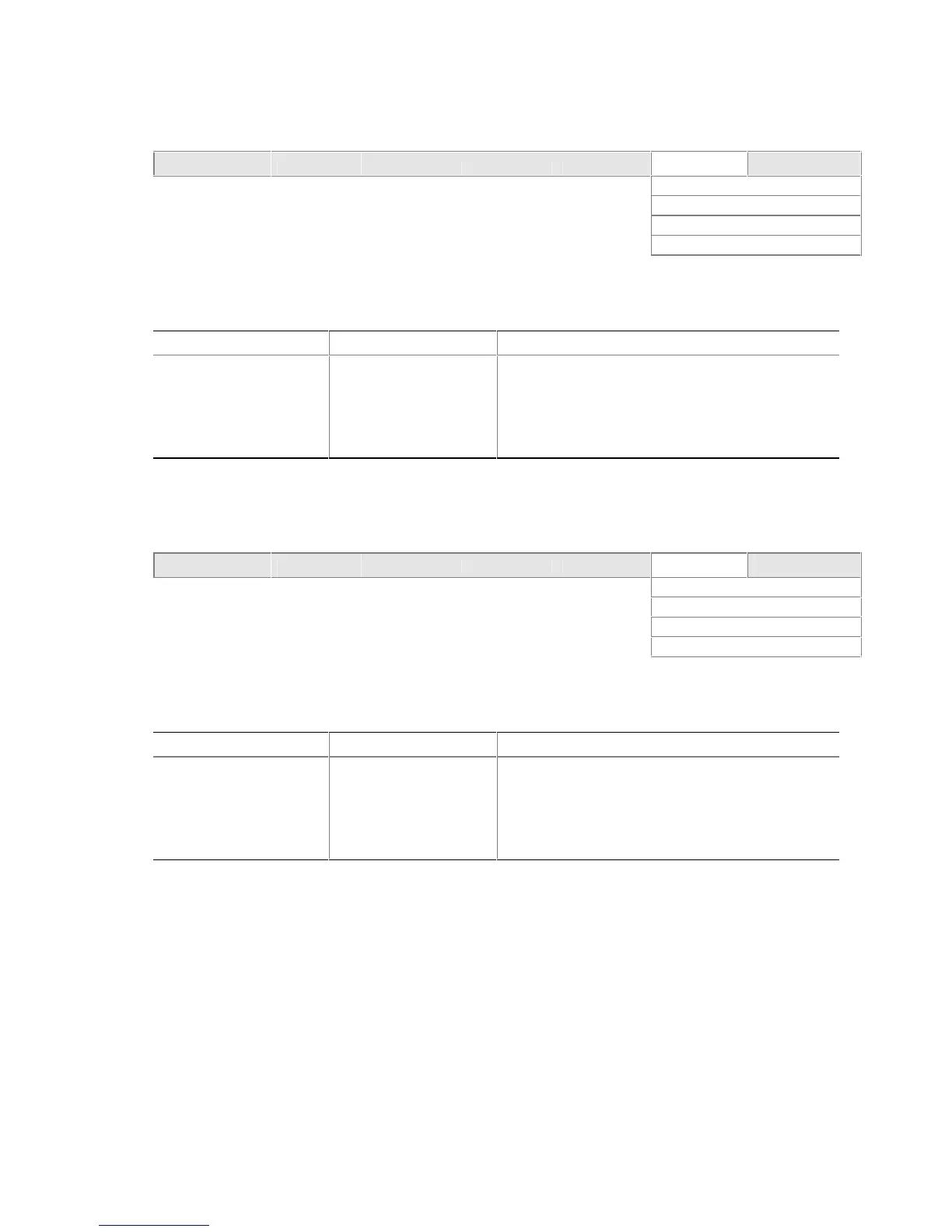
Maintenance Main Advanced Security Power Boot Exit
Boot Device Priority
Hard Disk Drives
Removable Devices
ATAPI CD-ROM Drives
The submenu in shown Table 26 is for setting removable devices.
Table 26. Removable Devices Submenu
Feature Options Description
1
st
Removable Device
(Note)
Dependent on installed
removable devices
Specifies the boot sequence from the available
removable devices. To specify boot sequence:
1. Select the boot device with <↑> or <↓>.
2. Press <Enter> to set the selection as the
intended boot device.
Note: This boot device submenu appears only if at least one boot device of this type is installed. This list will
display up to four removable devices, the maximum number of removable devices supported by the BIOS.
ATAPI CD-ROM Drives
Maintenance Main Advanced Security Power Boot Exit
Boot Device Priority
Hard Disk Drives
Removable Devices
ATAPI CD-ROM Drives
The submenu shown in Table 27 is for setting ATAPI CD-ROM drives.
Table 27. ATAPI CD-ROM Drives Submenu
Feature Options Description
1
st
ATAPI CD-ROM Drive
(Note)
Dependent on installed
ATAPI CD-ROM drives
Specifies the boot sequence from the available
ATAPI CD-ROM drives. To specify boot sequence:
1. Select the boot device with <↑> or <↓>.
2. Press <Enter> to set the selection as the
intended boot device.
Note: This boot device submenu appears only if at least one boot device of this type is installed. This list will display
up to four ATAPI CD-ROM drives, the maximum number of ATAPI CD-ROM drives supported by the BIOS.



 To Next Page