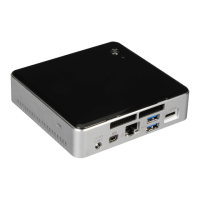
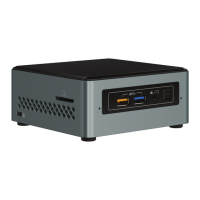
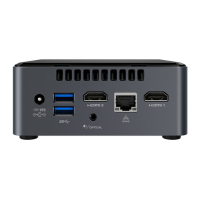
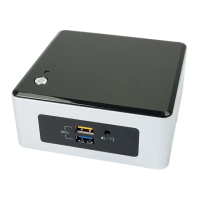
Intel NUC Kit NUC5i3RYK & NUC5i5RYK User Guide
3
This guide tells you how to:
•
Install and remove memory
•
Install an M.2 SSD
•
Install a VESA mount bracket
•
Install an operating system
•
Install the latest device drivers and software
Open the Intel NUC Chassis
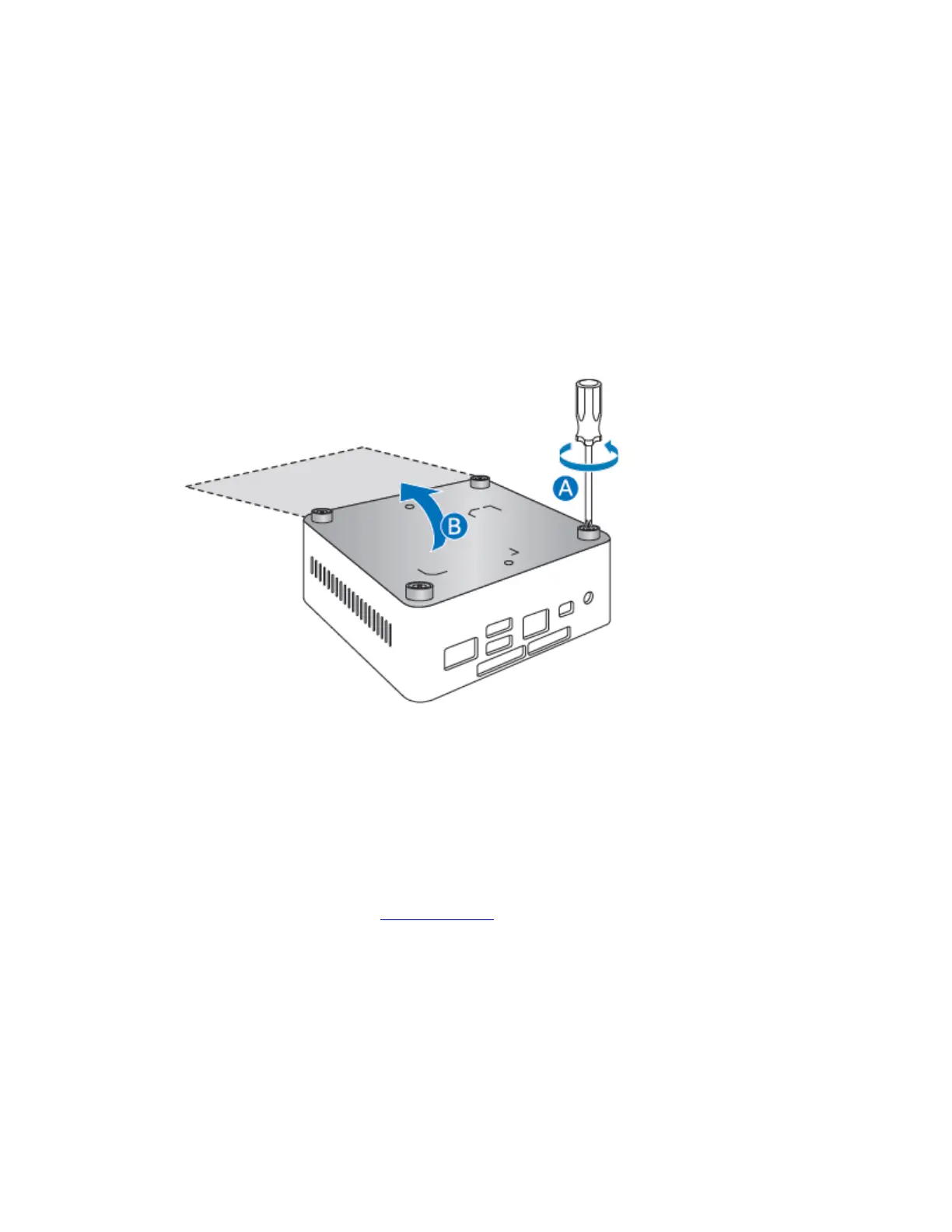
To open the Intel NUC chassis, follow these steps:
1. Unscrew the four corner screws on the bottom cover of the chassis and lift the cover.
Installing and Removing Memory
Intel NUC Kits NUC5i3RYK and NUC5i5RYK have two 204-pin DDR3L SO-DIMM sockets. Memory
requirements:
• 1.35V low voltage memory
• 1333 MHz or 1600 MHz SO-DIMMs
• Non-ECC
For a list of tested memory, go to the System Memory page on the Support site:
Install SO-DIMMs
If you plan to install just one SO-DIMM, install it in the lower memory socket.
To install the SO-DIMMs, follow these steps:
1. Observe the precautions in "Before You Begin" on page 2.



 To Next Page