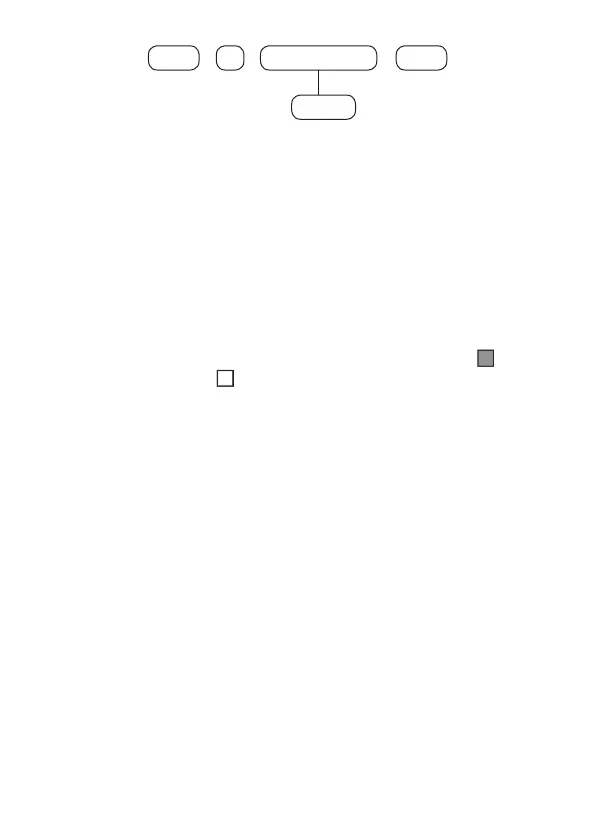
44
+
10 Memory N°
+
Enter
+
Enter
1 to 8
If you only want to view the setting, press the
Exit
key and no programming will
be changed.
Note:
Some commands can be entered either by the direct editing/programming
mode or by the editing/programming mode with display.
Bit Editing Command
In programming mode, some commands are entered with a special edit mode,
which simplies data entry and allows the display of the current programming.
On the XAT 8000 keyboard, the numbers 1 to 10 are displayed according to the
function in the display, representing the respective keys. Below each number there
will be a square indicating the status of the function: lled marker ( function
enabled) or empty marker ( function disabled). To enable/disable the function,
press the corresponding key on the keyboard. After the setting is nished, press
Enter
to save this command and proceed to another command.
If the
Back
key or any invalid key is pressed, changes will be discarded, the
keyboard will exit edit mode, and will wait for the next programming sequence.
If you only want to view the setting, press the
Back
or
Exit
key and no programming
will be changed.
Cancelling the typing of a command
If you want to undo a command or its contents before nishing, press the
Back
or
Exit
key.
Delete a digit or cancel the typing a password
Press the
Back
key and the digit before the cursor will be deleted. To delete the
entire sequence, press the
Exit
key or else hold down the
Back
key for 3 seconds.
Insert a pause between digits
Press the
Down Arrow
key on the XAT 8000.



 To Next Page