50
» Keyboards (addresses 01 to 16): with the keyboard to be registered near
the alarm center, insert the following code and press the synchronization key at
the back. The keyboard addressing will be according to the command entered,
respecting the maximum limit of 16 devices of this type and after registration,
all being added the common partition. To change the keyboards partition, see
Keyboard partition section.
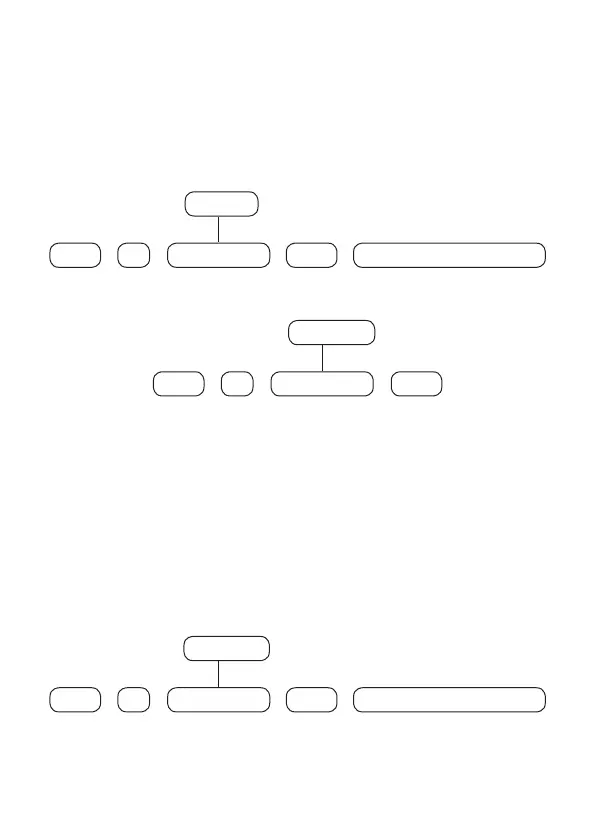
To register wireless keyboards, type:
+
620 Keyboard N°
+
Enter
+
Enter
01 to 16
+
Activate the wireless device
To delete wireless keyboards, type:
+
720 Keyboard N°
+
Enter
+
Enter
01 to 16
Note:
After registering the keyboard it will go into the process of updating
messages, which takes approximately 30 seconds per keyboard and occurs in one
keyboard at a time. If the message update process is interrupted, the keyboard will
update them again as soon as it is opened again. In this case it should remain open
until the update is nished.
» Remote controls (addresses 00 to 97): with the control to be registered in
hands, enter the following code on the keyboard and press any of its keys. The
addressing of the control will be according to the command entered, respecting
the maximum limit of 97 devices.
To register remote controls, type:
+
60 User N°
+
Enter
+
Enter
00 to 97
+
Activate the wireless device



 To Next Page