52
» Wireless sirens (addresses 01 to 16): follow the same principle as the other
devices. It is necessary to press the synchronisation key on the back of the siren
(remove the base for xing on surfaces), after entering the following code, check
if the LED ashes green, indicating success in the registration. If the LED blinks red
there has been a failure and the process must be repeated. The addressing of the
siren will be according to the sequence performed, respecting the maximum limit
of 16 devices of this type and after the registration all being added the common
partition. To change sirens partition, see
Siren partition
section.
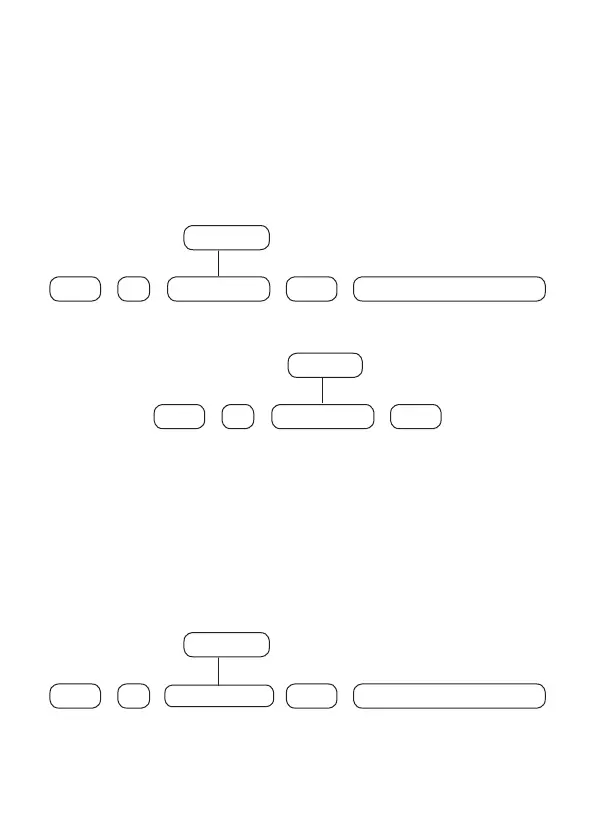
To register wireless sirens, type:
+
621 Siren N°
+
Enter
+
Enter
01 to 16
+
Activate the wireless device
To delete wireless sirens, type:
+
721 Siren N°
+
Enter
+
Enter
01 to 16
» Range RF Amplier (REP 8000 repeater, addresses 01 to 04): follows the
same principle as other devices. It is necessary to press the synchronization key
on the back of the repeater (remove the base to x it on surfaces and turn on
the power supply of the repeater, because for it to initialize the source must be
on), after typing the following code, check if the LED will ash green, indicating
the success of the registration. If the LED blinks red there has been a failure and
the process must be repeated. The repeater addressing will be according to the
command performed, respecting the maximum limit of 04 devices of this type.
To register wireless repeater, type:
+
622
Repeater N°
+
Enter
+
Enter
01 to 04
+
Activate the wireless device



 To Next Page