53
To delete wireless repeater, type:
+
722
+
Enter
+
Enter
01 to 04
+
Activate the wireless deviceRepeater N°
Attention: for a device to pass through the range extension of the RF amplier
(REP 8000 repeater) it is necessary that it does not have direct communication with
the AMT 8000 alarm center or the communication is bad with indication varying
between orange and red, otherwise it will communicate directly with the center
without passing through the amplier.
To check the signal strength of the 8000 line devices, press the synchronization key
on them, where the indicator LED will show its status, and if the LED blinks green,
the signal is excellent, in orange the signal is ashing or weak and in red there is no
communication (only for the XAT 8000 keyboard the status will be shown through
a message on its own display).
After validating the need to pass the communication through the amplier, remove
the power from the device to have its communication through the repeater and
after 3 seconds replace again. After the device initialization time (varies from 0 to
60 seconds depending on the type) press its synchronization key again and through
the indicator LED or on the display in case the XAT 8000 is the new communication
status that follows the same results above (to check if the device is passing through
the repeater, on the XAT 8000 keyboard press the
Menu
key and then navigate
to the
Wireless Signal
option by the down arrow key and press
Enter,
select the
desired device and conrm with Enter. Device level will be shown on the display
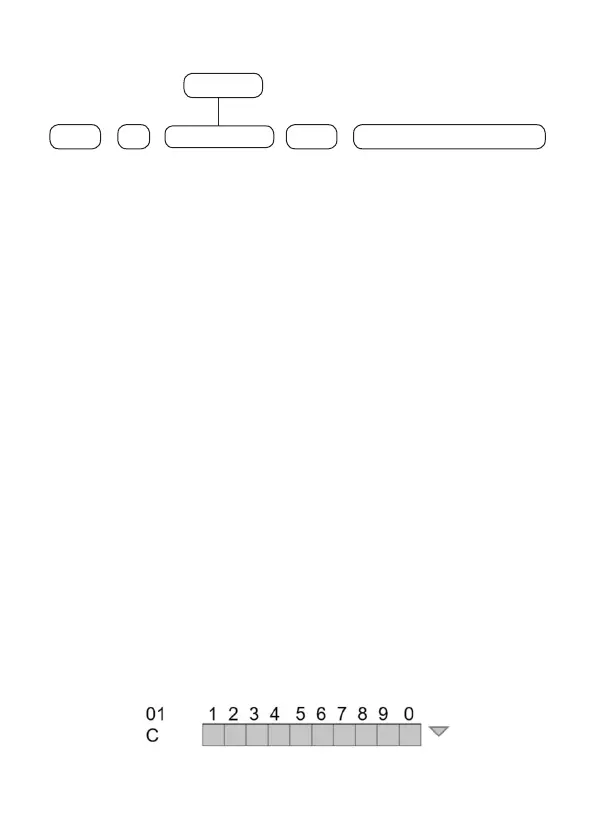
where it will range from 1 to 10 and the route of the device will be shown. If the
device is in direct communication with the center, the device position plus the letter
C is shown, if the device is passing the repeater, the device position plus the letter
R is shown, and the repeater position is shown.
Ex.: R1 repeater 01, R2 repeater 02, R3 repeater 03 and R4 for repeater 04.
Ex: sensor 01 communicating directly with the alarm center:


 To Next Page
 Loading...



