82
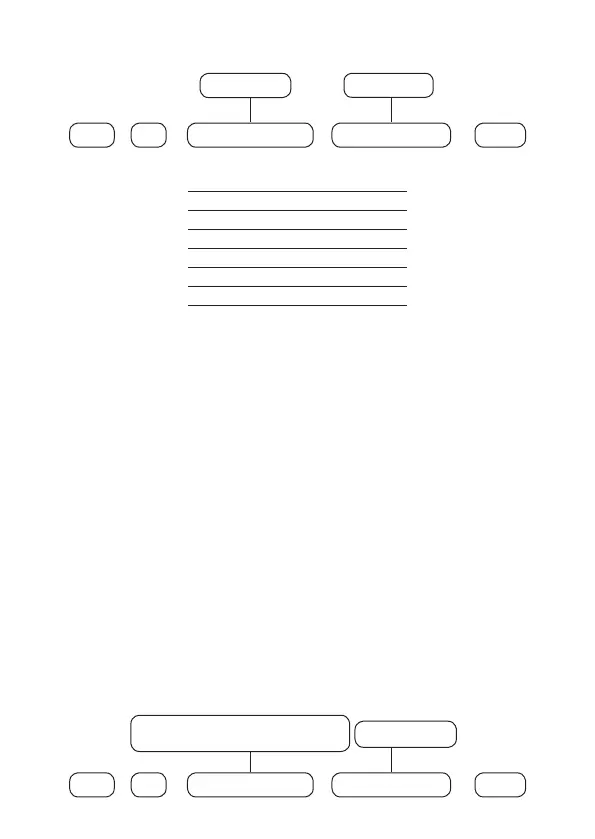
To program this function, type:
3
+
Enter Enter
+
+
Zone Functions
From 1 to 6
+
Zone group
From 0 to 6
Zone Functions
1 Timed
2 Follower
3 24 Hour
4 Panic
5 Medical emergency
6 Fire
Use the keys on the keyboard to dene the function of the zone, so that the
numbers that you want to have the zone with the given function remain marked
and the zones without the function remain unchecked, then conrm with the
Enter
key.
Note:
each zone can have only one function and if programming is done in a zone
already congured with another function, the last programming done will remain
operational.
Zone operation mode
In conjunction with the above settings
Zone settings
, the zone can be congured
for the following modes of operation:
» Silent: If there is a trigger in a zone congured for
Silent
mode, the siren will not
be triggered, but the corresponding event will be sent to the security company/
registered applications and the programmed personal phones will be called.
» Normally open contact: zones leave the factory prepared for the use of
normally closed contact (NC) sensors. If you wish to use sensors with normally
open contact (NO), e.g. re sensors (via TX 8000), activate this operating mode at
the center for the corresponding zone.
To set an operating mode for the zones, use the following command:
0
+
Enter Enter
+
+
Zone mode
7 = Silent
8 = Normally open contact
+
Zone group
From 0 to 6



 To Next Page