- 106 -
6: Video Surveillance Software
6.1 Function
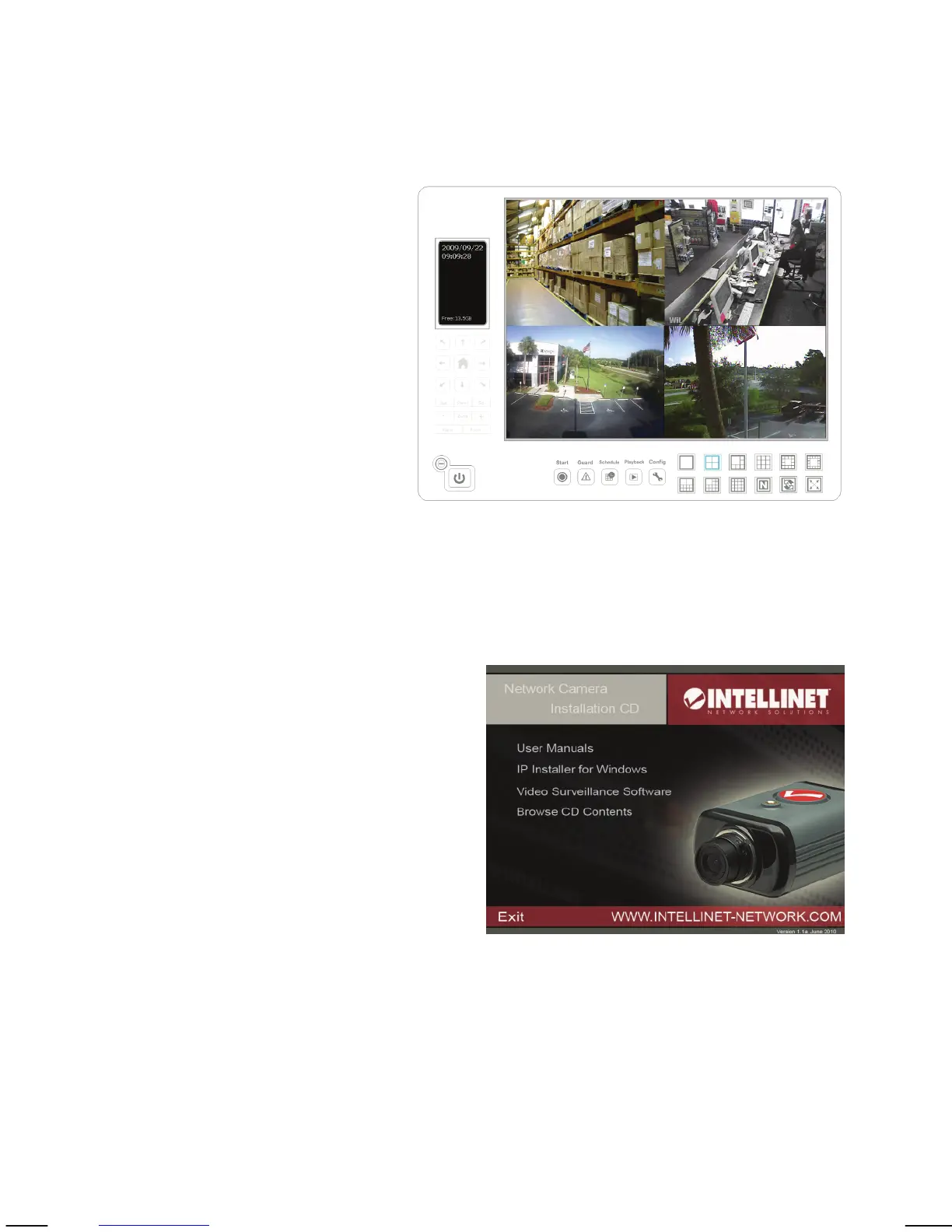
Description
The INTELLINET NETWORK
SOLUTIONS Network Camera
ships with a surveillance
application that can monitor
and record up to 16 network
cameras.
You can record video
permanently or based on a
schedule, or you can use the
integrated motion detection
function and only record
motion events to preserve disk
space. You can select from nine different templates to display the camera
images on one screen.
6.2 Installation
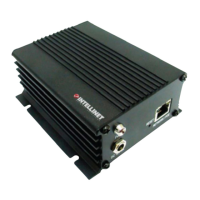
The program installs by clicking the
option “Video Surveillance Software”
from the CD menu.
A detailed user manual is located on
the Installation CD in the User
Manuals folder. It contains installation
instructions and information on the
use of the software.



 To Next Page