6 – DP2002 Intellitronix (rev.09/10/2020) www.intellitronix.com
Fuel - Yellow The fuel gauge sending unit is not normally supplied because the display system
can use the existing fuel level sending unit in the tank in most cases. If your wiring harness already
has a single wire routed through the vehicle for the fuel sender then it may be used. If using a wire
from an external harness, make sure that the wire does not have power. Fuel senders reference their
ground from the sender mounting plate. Connect the yellow wire to the factory sending unit.
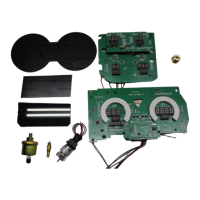
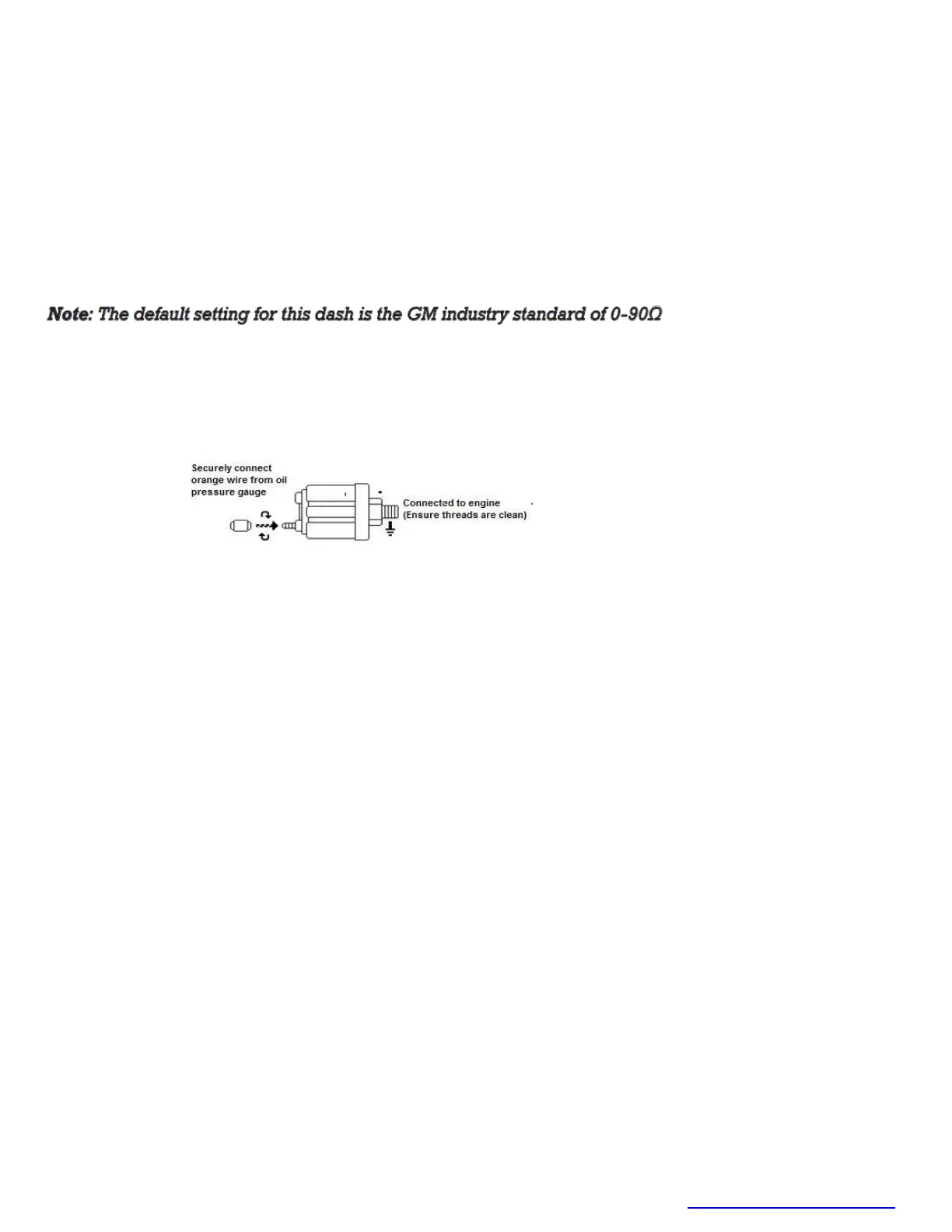
Oil Pressure – Orange - Replace the existing oil pressure sending unit with the unit included. Do not
use Teflon tape or other sealer on the new sending unit’s threads. This will avoid inaccurate ground
connections as the sending units get their ground from the threads. The oil sender gets its ground
from the threading into the engine block, thus proper grounding is crucial. Connect to the sending
unit.
Water – Blue - This gauge is incompatible with other sending units, so you must replace the existing
water temperature sending unit with the included sender. Do not use Teflon tape or other sealer on
the new sending unit’s threads to avoid inaccurate readings. Connect the blue wire to the sending
unit. For best results we suggest running a new wire.
Volt– Pink/White Connect the alternator wire from the engine to the pink wire on the dash panel.
This wire is for turning on the voltage regulator if you are using external regulator.
NOTE: Do not use this wire if you are not using external regulator or regulator that needs an
exciter wire. Cut pink wire at the back of the board and discard.
Oil Temp – Orange/White Replace the existing oil temperature sending unit with the unit
included. Do not use Teflon tape or other sealer on the new sending unit’s threads, to avoid
inaccurate readings. Connect the orange/white wire to the sending unit.
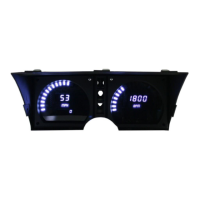
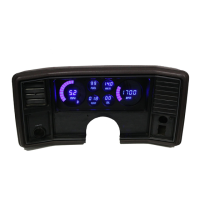
DIGITAL PERFORMANCE SPEEDOMETER
Your Intellitronix dash panel is equipped with our Digital Performance Speedometer. This electronic
speedometer displays speed and includes an odometer, trip meter, high speed recall, 0 - 60 time,
and quarter-mile elapsed time. It can be calibrated with the push-button to adjust the speedometer
for different tire sizes, wheel sizes, and gear ratios. The single push-button is used by a quick tap to
toggle between odometer and trip meter. The microprocessor distinguishes between a quick tap
and a press and hold which will reset the trip meter in trip mode or display performance data in
odometer mode.


 To Next Page
 Loading...