1 - B-9999 Intellitronix (rev.07/2018) www.intellitronix.com
Made in America Lifetime Guarantee
Thank you for purchasing this instrument set from Intellitronix. We value our customers!
INSTALLATION GUIDE
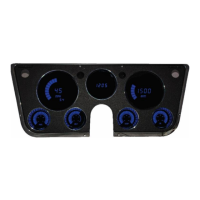
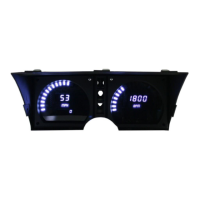
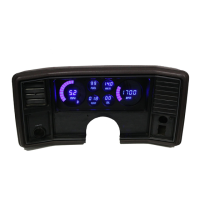
Bargraph Multi-Gauge Set with sending units
Part Number: B-9999
* Always disconnect the battery before attempting any electrical work on your vehicle.*
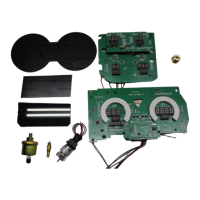
Parts included in this package -
◊ Fuel Level Gauge
◊ Oil Pressure Gauge and sending unit
◊ Speedometer and sending unit
◊ Tachometer
◊ Voltmeter
◊ Water Temperature Gauge and sending unit
GENERAL WIRING INSTRUCTIONS
Note: Automotive circuit connectors are the preferred method of connecting wires. However, you may
solder if you prefer.
For ALL Instruments in this set:
(Each gauge has the three basic wires: black, red and purple. Additional wiring for each
gauge is with the individual gauge instructions: yellow connects to the fuel sending unit in
the tank; orange to the oil pressure sender; white to speedometer; green to tachometer and
blue to water temperature.)
Ground - Black Connect directly to an engine ground such as the engine block. For the most
accurate readings, connect to the same ground as the sending unit.
Power - Red Connect to a switched +12V source such as the ignition switch.
Note: The device will NOT function properly without a steady +12V source. For best results use a multimeter to
test the power source.
Dimmer – Purple Connect to the parking lights to dim the LEDs 50% when the headlights are on.
However, do not connect to the headlight rheostat control wire; as the dimming feature will not
work properly. Otherwise, connect to ground for permanent 100% brightness.
Fuel Level Gauge

 Need help?
 General

 To Next Page