V5 X VRF 460V 60Hz
69
Part 5 - Diagnosis and Troubleshooting
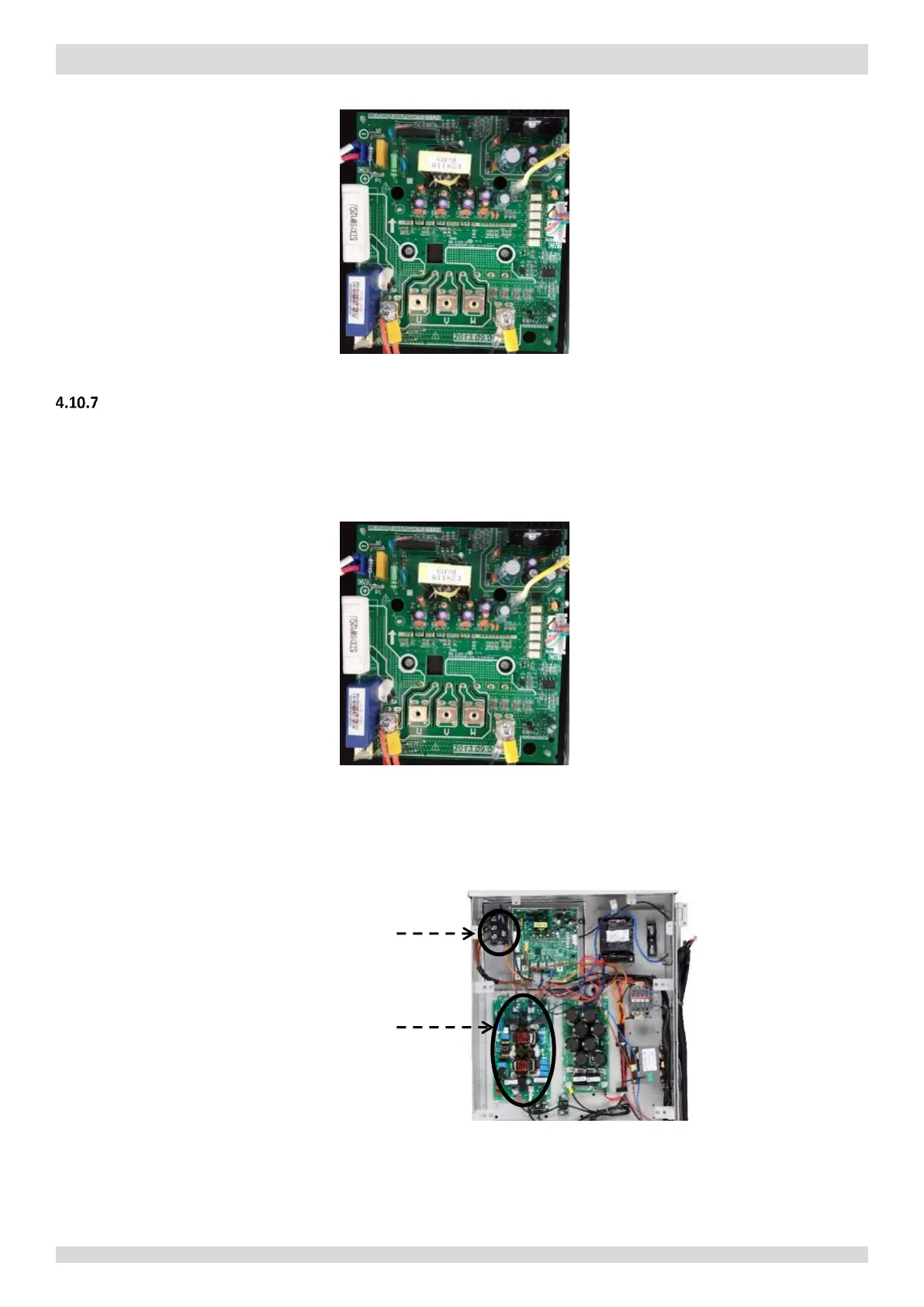
Figure 5-4.8: Inverter module terminals
xL1/xL4 troubleshooting
Step 1: Check inverter module
Check the DC voltage between terminals P and N. The normal value is 585-715V. If the voltage is lower than 585V, go
to Step 2.
Figure 5-4.9: Inverter module terminals
Step 2: Check rectifier wiring circuit
If the wires are loose, fasten the wires. If the wires are OK, replace the main PCB.
Figure 5-4.10: Rectifier and AC filter board in electric control box
Check 3-phase bridge
rectifier wiring
Check AC filter
board wiring


 To Next Page