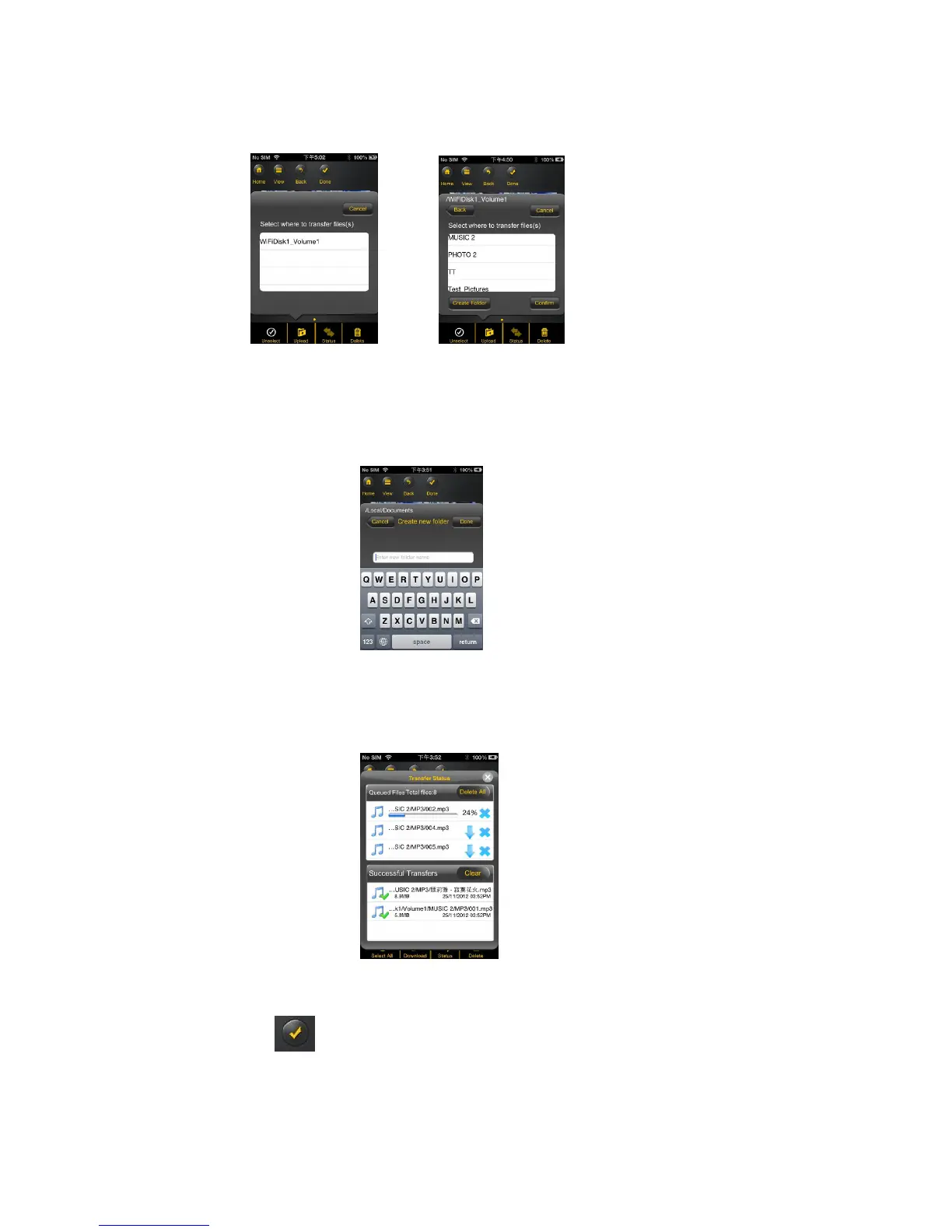
4. Select the folder where you want the files to be copied or transferred.
A new folder may be created to copy/transfer the selected file or files. To create a new folder,
simply click on the “New Folder” button. Enter the new folder name inside the box and click the
“Create” button as seen on the screenshot below. The folder name can be minimum 1 character in
length and maximum of 26 characters. Click the “Cancel” button to exit.
5. Click on the “Confirm” button to start copying/transferring files as seen on the screenshot below into
the “Memory 2 Move”.
6. Click anywhere on the screen or “x” button, you will return to the previous screen. Once done,
click on the to exit.



 To Next Page