EN - Page 3 of 8
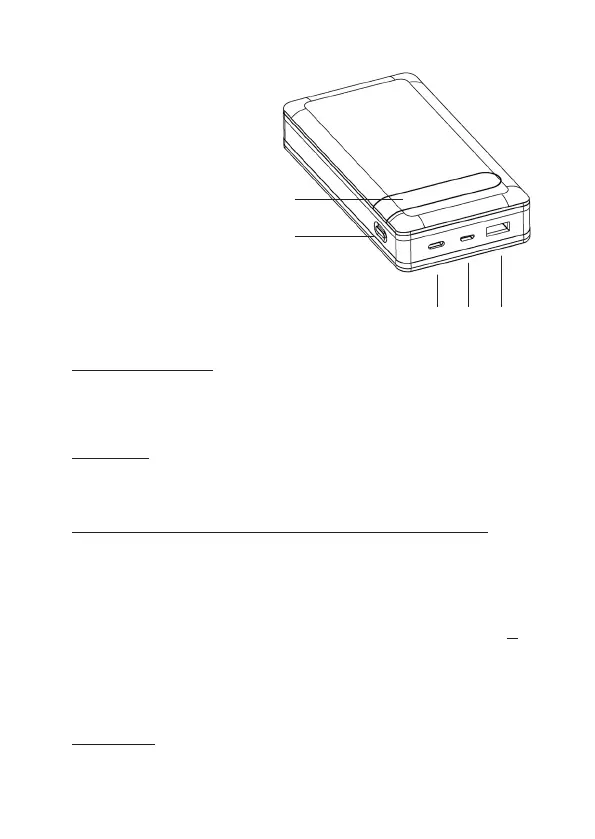
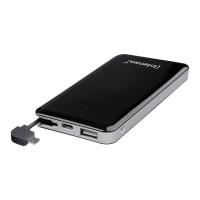
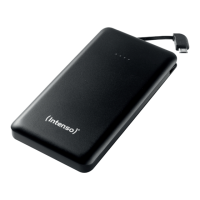
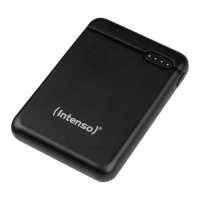
Device overview
USE
1. Funcon key (ON/OFF)
If the charging process dos not start automacally, you can start it manually by briey pressing the
funcon key. You can stop the charging process and deacvate the Powerbank by briey pressing
the key twice.
Operation
3. Commissioning / Charging the Powerbank / Charging connected devices
a) Charging the Powerbank
You can charge the Powerbank via the supplied USB-C to USB-C cable or via the microUSB port
(microUSB In). Connect the selected cable depending on the type with the USB-C port (USB-C In/
Out PD) or the microUSB port (microUSB In) of the Powerbank and your USB power supply or
computer.
Always use only one of the two charging opons, the USB-C port (USB-C In/Out PD) or the
microUSB port (microUSB In)!
While the Powerbank is being charged, it is not possible to charge another device via the Power-
bank.
The required charging me for the Powerbank depends on the selected charging source and its
output power.
Normal charging:
Use a standard USB power supply or USB port of a computer to charge the Powerbank via the
microUSB In port (max. 5V/2.1A = max. 10.5 Wa) or USB-C In/Out PD port (max. 5V/3A = max.
15 Wa).
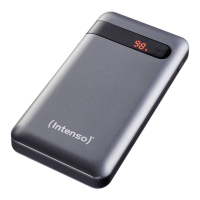
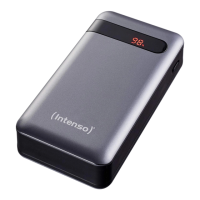
2. LCD display
The current charging status is displayed numerically on the LCD display during charging, resp.
discharging the Powerbank as well as through brief pressing of the funcon key.
EN - Page 2 of 8
1 - Status LCD
2 - Funktion key (ON/OFF)
3 - USB-C In/Out (PD)
4 - microUSB In
5 - USB-A Out (QC)
4
3
5
2
1


 To Next Page