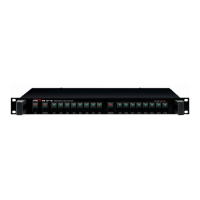
CN-9102 Dual Channel Compressor/Limiter with Gate
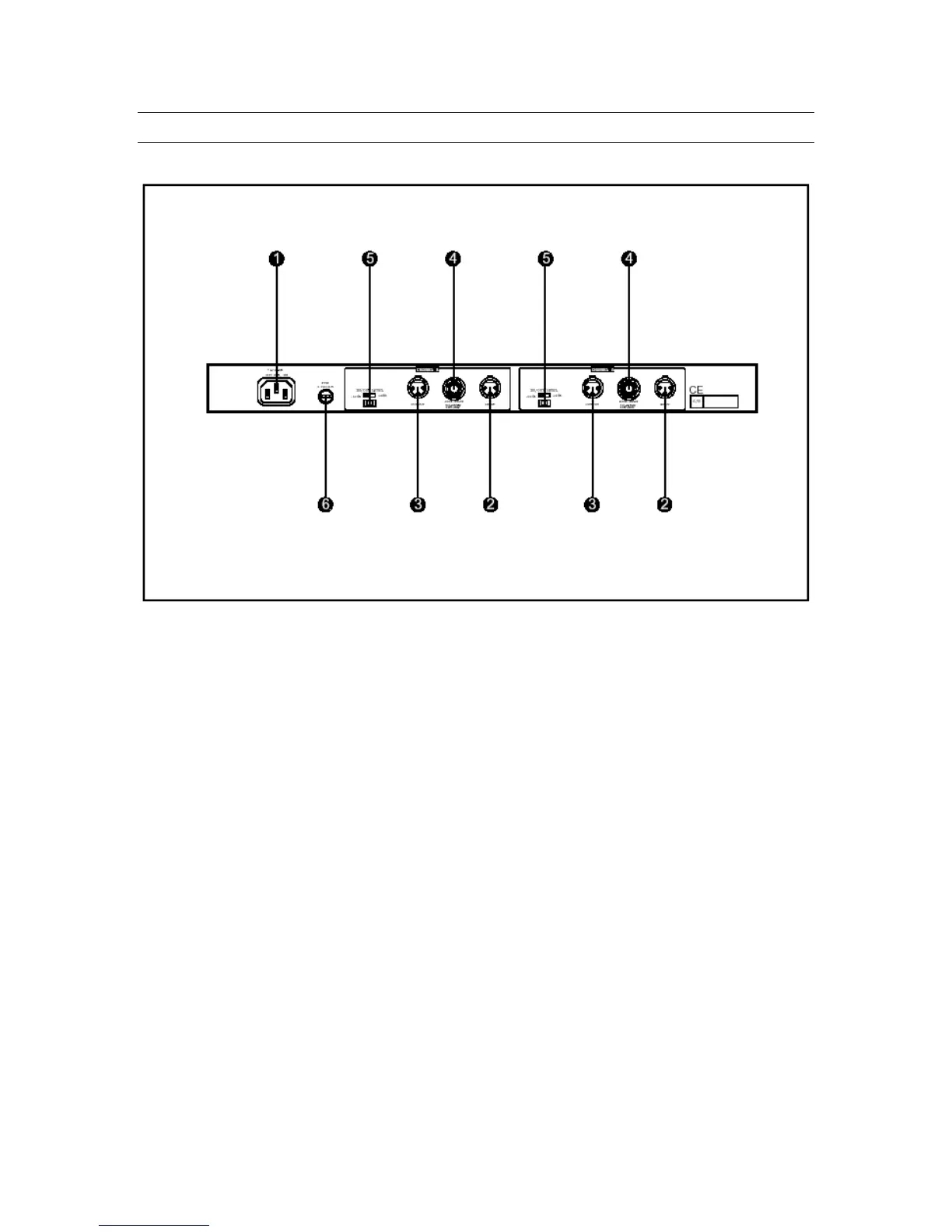
Rear Panel Controls
1. AC Power Input
Connect a standard three-pin AC cable to this connector.
2. Audio Input
These are balanced audio inputs on three-pin XLR connectors. Pin 3 is low, pin 2 is
high, and pin 1 is ground.
3. Audio Output
These are balanced audio outputs on three-pin XLR connectors. Pin 3 is low, pin 2
is high, and pin 1 is ground.
4. Side Chain
These are unbalanced inputs on 1/4" phone jacks, provided for the input of an
external side-chain or key-in signal used to trigger the compression/limiting
function.
5. Operating Level Selector
This switch determines the operating level of the CN-9102. You can choose the
professional studio level of +4dB or the consumer level of –10dB. The front-panel
Input/Output level meter changes to reflect the setting selected by this switch.
10



 To Next Page