4
PS-9116
SPEAKER SELECTOR
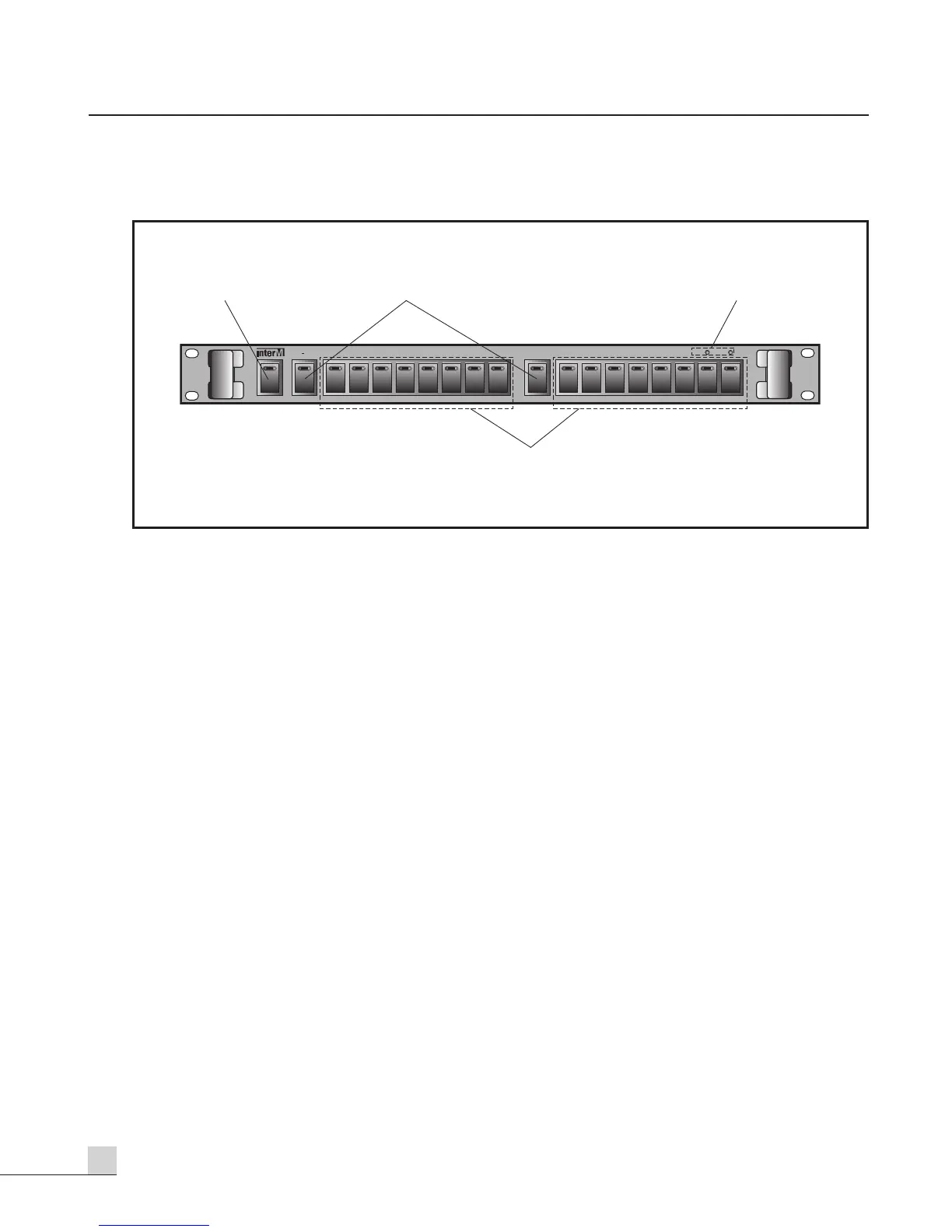
Front Panel
Front Panel
1. ALL CALL SWITCH
You can select the all speakers at a time by using this switch.
2. GROUP 1, GROUP 2 SWITCH
You can select the group 1 speakers or group 2 speakers at a time by using these switches.
3. OPERATING MODE INDICATORS
These indicators show operating modes of system.
TIMER: It shows that the system is operated by timer.
REMOTE: It shows that the system is operated by remote control equipment.
4. 1-16 SPEAKER SELECTOR SWITCH
You can select the group 1 speakers or group 2 speakers at a time by using these switches.


 To Next Page