SPEAKER LINE CHECKER
6328'2*0
6328'2*0
!!"
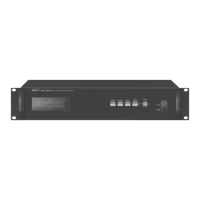
The LED displays any default or normal status of speaker line and connection.
Green LED – speaker impedance in normal range
Red LED – speaker impedance out of normal range
Orange LED – speaker line is Short
Blinking Red LED – speaker line is Open
Channel LED OFF – speaker's not connected.
"!!
If this button is pushed, speaker line impedance of entire 24 channels will be measured and impedance
values of each channel will be save in the memory. After measuring the impedance, if speaker is connected,
green LED will be on, and if not, LED will be off. However, if speaker is SHORT, yellow LED will be on.
! ! !!"!!
If this button is pushed, test will be performed for connected channels and status of each channel will be
displayed on LED.
"&&"!!
It is the buzzer ON/OFF button which informs the error of speaker line. Buzzer will be generated if there is
error when checking out the speaker line while button is on. If button is off, it will not be generated.
"!! !"!!
It is automatic test ON/OFF button of speaker line. If button is on, it checks out the speaker line
automatically for certain time setting, and automatic check will be cleared when is off. On/off operations of
button can be shown as the LED on the button.
5
SC-6224


 To Next Page
