
 Need help?
Do you have a question about the Intercomp HT-02 and is the answer not in the manual?
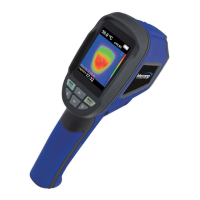
Overview of the thermal imaging camera, its functions, and benefits.
Essential safety guidelines and warnings for proper and safe instrument usage.
Detailed technical specifications and performance metrics of the device.
Explanation of the instrument's features and basic operational modes.
Identification and description of the physical components and parts of the camera.
Explanation of the device's menu interface, icons, and navigation controls.
Instructions for measurement, focal distance, and battery installation.
Methods for eliminating noise and using the LED light feature.
Customizing color palettes, temperature units, and image mixing.
Configuring reflective background and spot temperature marking.
Procedure for setting the device's internal date and time.
How to capture, store, and check internal storage of images.
Adjusting emissivity and referencing material emissivity values.
Guidelines for cleaning and maintaining the thermal camera.
 General
| Brand | Intercomp |
|---|---|
| Model | HT-02 |
| Category | Thermal cameras |
| Language | English |

 To Next Page