Introduction
Overview
Congratulations on your purchase
of the VP4450 Presentation
Remote. The VP4450 offers full
control of presentations as well
as programmable buttons for
customizing it to work
with other programs
and the brightest
laser in its
class.
Installation
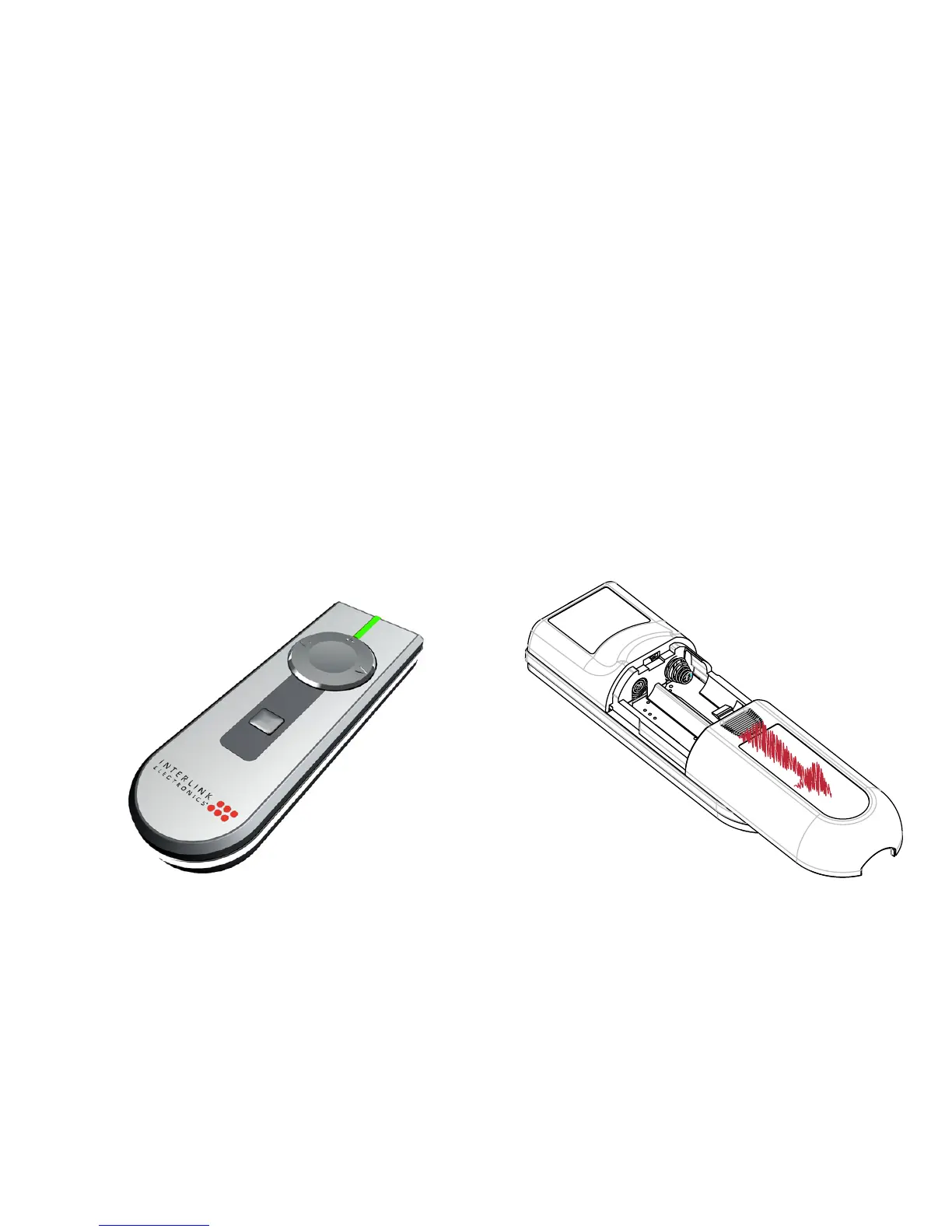
Adding or Changing Batteries
Open the battery compartment
by pressing down on the latch
and sliding open. Insert the
batteries per the diagram on the
remote. Standard AA
alkaline batteries are
recommended.



 To Next Page