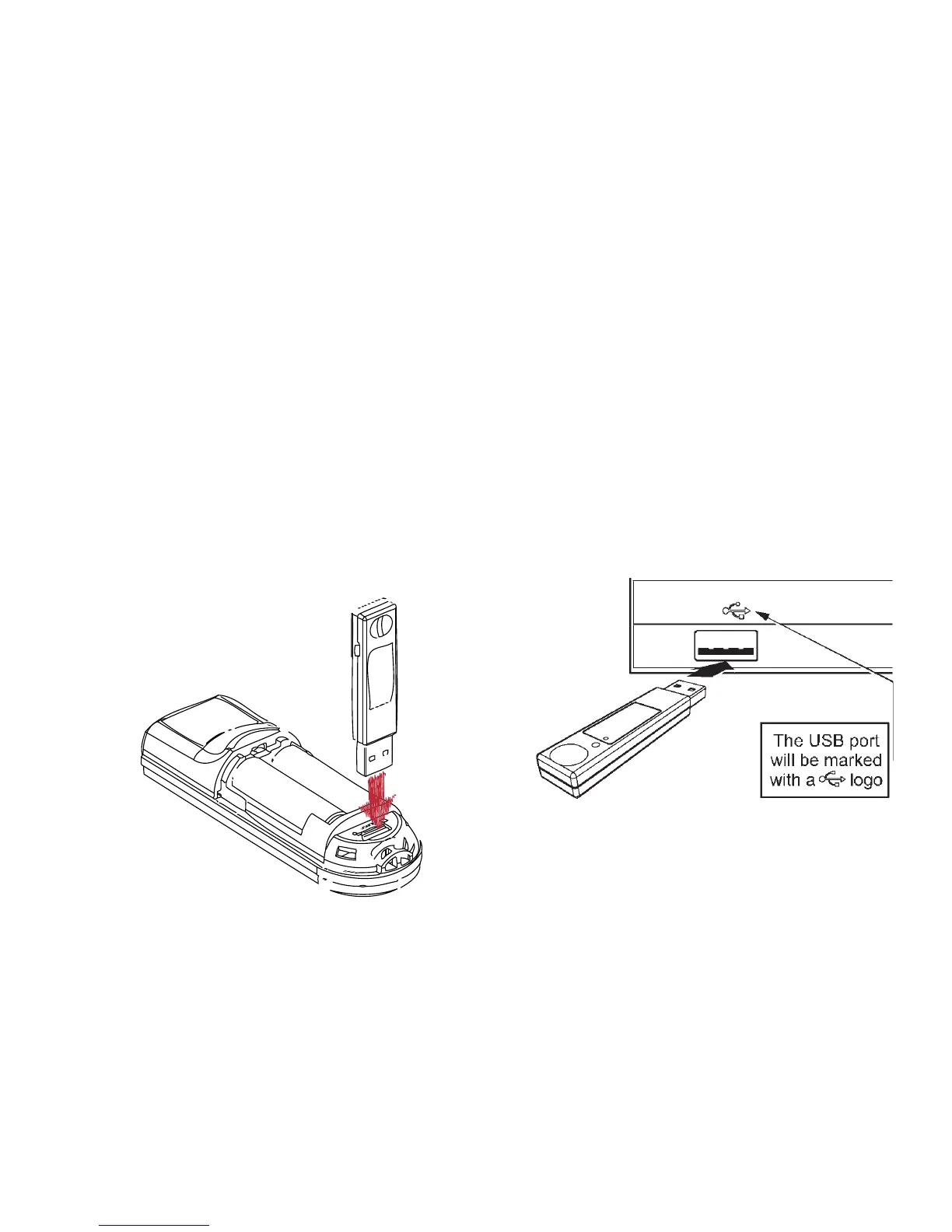
Pairing the Receiver
The receiver and remote come
pre-paired at the factory. The
remote will automatically adjust
frequencies and channels to ensure
reliable communication. Should
you have any problem with
communication, you can re-pair
them by opening the battery
door and plugging the USB
receiver into USB port
below the
batter-
ies.
USB Receiver
Plug the USB receiver into a free
USB port, wait a few seconds for
the device to be recognized by
your computer and you are ready
to control your presentation.



 To Next Page