6
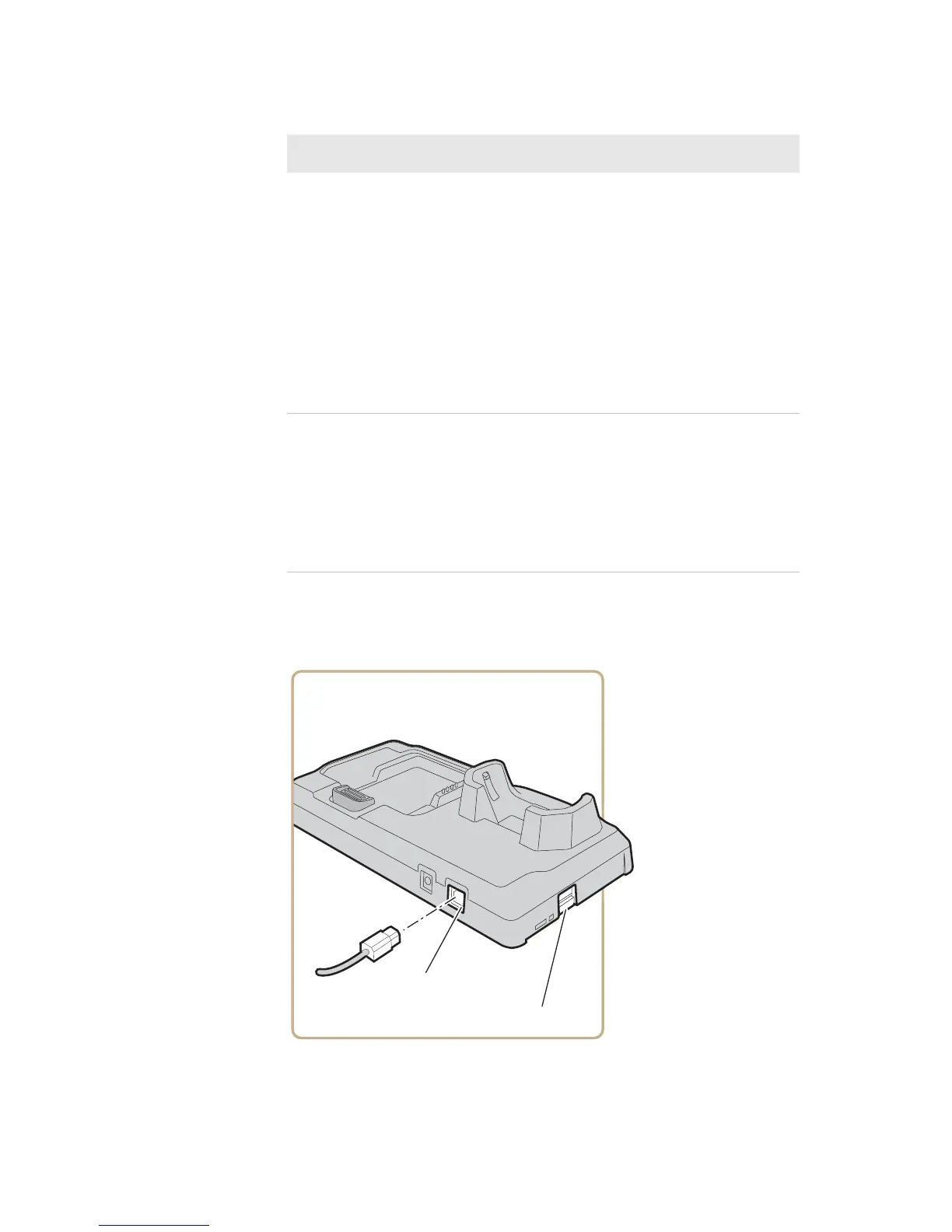
4 (Optional) Connect USB devices to the dock through the
USB client or USB host ports.
Alternating
red and
yellow
The battery is not charging. Try these
solutions:
• Make sure the battery is firmly installed
in the charger.
• Make sure the charging pins on the
single dock and the contacts on the
battery are clean.
If these solutions do not work, the battery
may be defective.
Off • No battery is installed.
• The charger is not receiving power. Make
sure the power plug is firmly inserted in
the charger and the power supply is
properly connected to a powered AC
outlet.
Battery Pack Status LED Descriptions (continued)
LED State Description



 To Next Page