EasyManua.ls Logo

Interphase Star Pilot 6 - Table of Contents

Default Icon
24 pages
Print Icon
To Next Page IconTo Next Page
To Previous Page IconTo Previous Page
Loading...
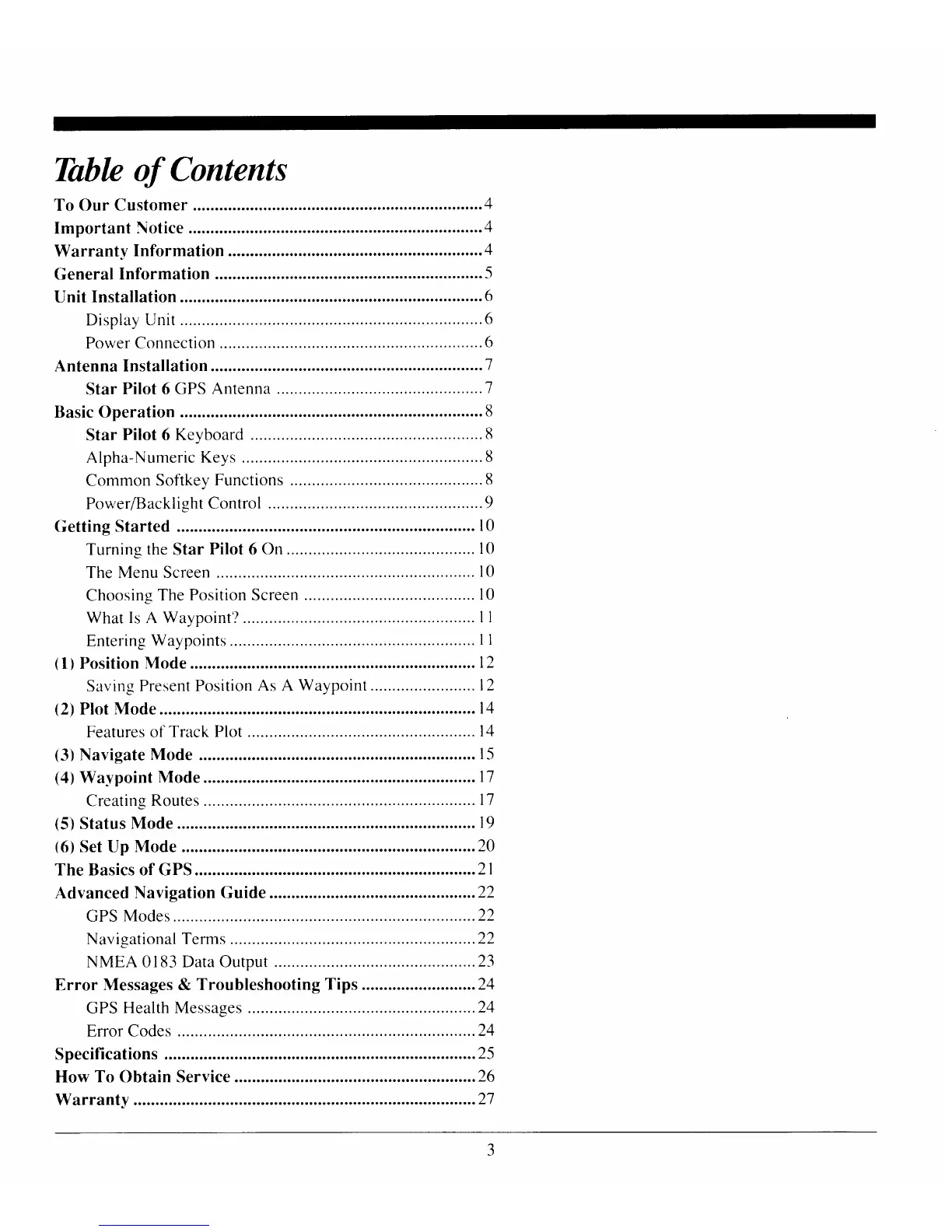
Thblc of Contents
General
Information
Unit
Installation
.....................6
Display Unit........
.............6
Power Connection
.............
......6
Antenna
Installation .............
.................1
Star
Pilot
6
GPS Antenna
...............1
Basic Operation
.....................8
Star
Pilot
6
Keyboard
.............
........8
Alpha-Numeric
Keys
.......8
Common
Softkey
Functions
............8
PowerlBacklight
Control
.................9
Getting Started
....
l0
Turning
the
Star
Pilot 6
On.......
....
l0
The
Menu Screen
...........
l0
Choosing
The
Position Screen
....... l0
What Is A Waypoint'?
Entering
Waypoints
(1)Position
Mode
.................
12
Saving
Present Position
As A
Waypoint ........l2
(2)
Plot Mode
........14
Features of
Track Plot
t4
t1
ll
ll
Creating
Routes
(5)
Status
Mode
....
19
(6)
Set Up
Mode
...................20
The Basics of GPS
................21
Advanced
Navigation
Guide
...............22
GPS
Modes............
.........22
Navigational
Terms
........22
NMEA
0183 Data Output
............ ..................23
Error
Messages & Troubleshooting
Tips ........ ..................24
GPS
Health Messages ............
........24
Error Codes
....24
Specifications ........
...............25
How To Obtain Service
.......26

Related product manuals