Need help?
Do you have a question about the Interphone F3MC and is the answer not in the manual?
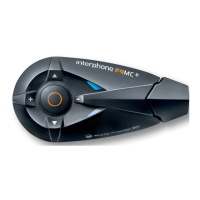
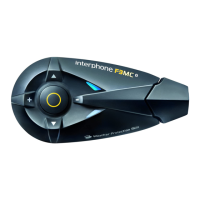
Overview of the device's primary buttons and their functions.
Guides through the first power-on for twin and single pack configurations.
How to customize Call ID, Automatic Volume, Voice Answer, and Vocal Help.
Instructions for pairing the F3MC unit with other intercom devices.
How to start and manage intercom conversations between paired units.
How to stream music from A2DP compatible devices and control playback.
 General
| Bluetooth Version | 3.0 |
|---|---|
| Intercom Range | 500 meters |
| Talk Time | 10 hours |
| Standby Time | 700 hours |
| Charging Time | 3 hours |
| Intercom Function | Yes |
| Voice Command Support | No |
| GPS | No |
| FM Radio | Yes |
| Compatibility | Universal |

 To Next Page