ITALIANO - 22ENGLISH - 22ITALIANO - 21ENGLISH - 21
8 – Auxiliary input
F4MC can be connected to a non-Bluetooth® player, thanks to auxiliary input jack.
8.1 Music listening
With F4MC in Standby mode (led BLUE (6) ashing), push UP (2) buon for two mes and
aer press the MFB (1) buon to acvate the “AUXILIARY INPUT” menu.
Connect the jack cable provided to F4MC and to music player.
Start the music player.
During the music listening is possible to go in Standby mode (led BLUE (6) ashing, menu
“INTERCOM” ), pressing the MFB (1) buon.
Appendix 1
Menu chart.
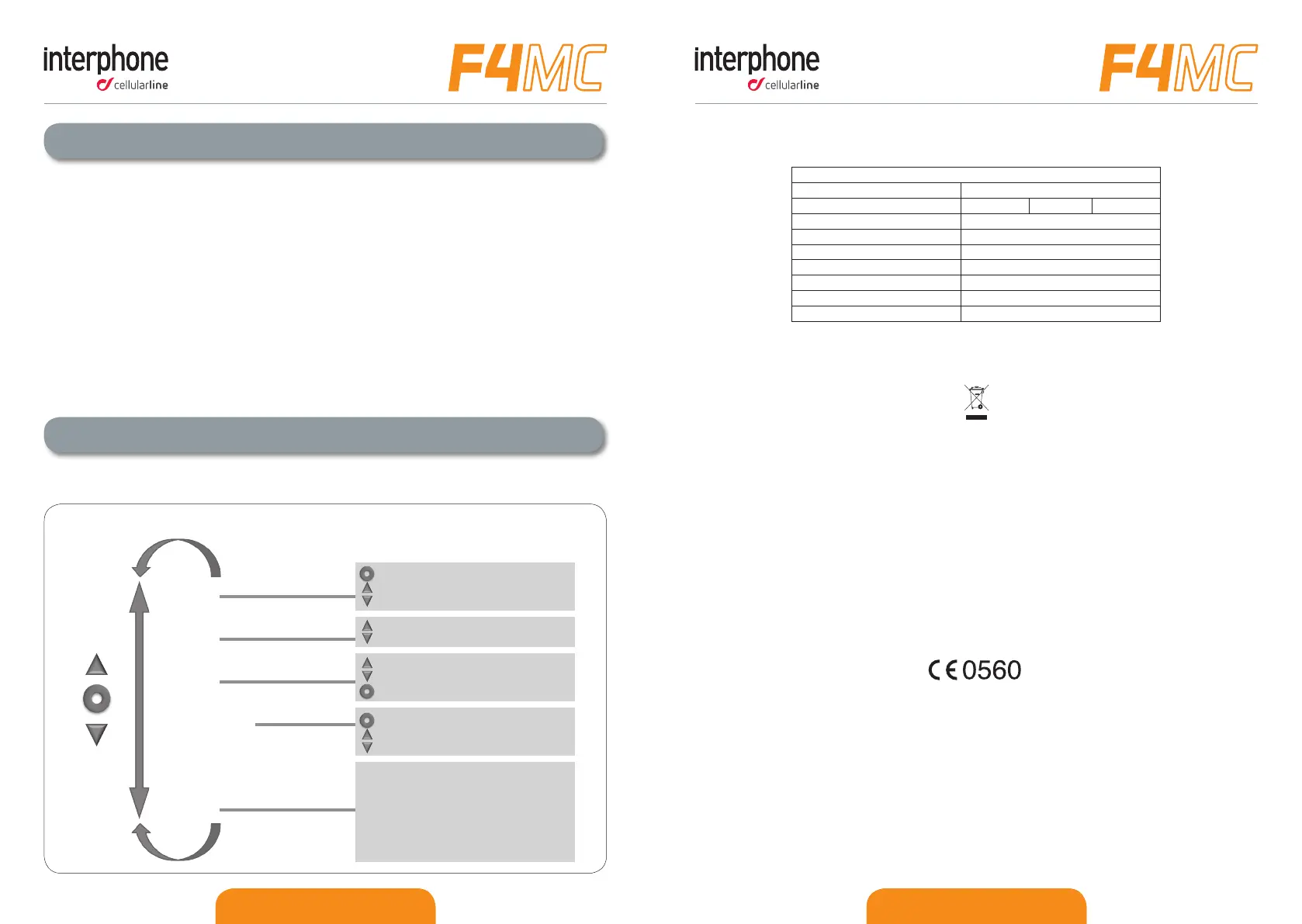
F4MC VOICE MENU DIAGRAM
press unl you hear the beep
to conrm
use the arrows to scroll through the menu and use the central buon to select
INTERCOM
PHONE
FM RADIO
MUSIC STREAMING
AUXILIARY INPUT
SET UP
press unl the beep to play/pause
press to select track
press up buon unl the beep to share
press MFB buon to connect the last intercom paired
press unl the beep to connect A
press unl the second beeb to connect C
press unl the beep to connect B
press unl the second beeb to connect D
press to search
to select memorised staons press unl a beep is heard
press to memorise staons
press to re-dial
press to voice dial
RDS on/o
CALL ID on/o
FULLFACE HELMET/JET HELMET/AUTOMATIC VOLUME CONTROL o
VOICE ANSWER on/o
ERASE PAIRINGS
full/limited VOCAL HELP
ANYCOM SEARCH
INTERCOM DEVICE SEARCH
PAIRING MODE
LANGUAGE SELECTION
EQUIPMENT DISPOSAL INSTRUCTIONS FOR DOMESTIC USERS
(Applicable within the European Union and those countries with separate collection
systems)
The marking shown on the product or its literature indicates that at the end of its life
the product should not be disposed together with other household waste. To prevent
possible harm to the environment or human health from uncontrolled waste disposal,
please separate this from other types of wastes and recycle it responsibly to promote
the sustainable reuse of material resources.
Domestic users are invited to contact the sales point where the product was pur-
chased or the local oce with information regarding recycling of this type of product.
Business users should contact their supplier and check the terms and conditions of
the purchase contract. This product should not be mixed with other commercial waste
for disposal purposes.
This product has an embedded, non-replaceable battery, do not attempt to open the
product or remove the battery as this may cause injury and damage the product. When
disposing of the product, please contact your local waste disposal service in order to
remove the battery. The battery contained within the device and been designed to be
used throughout the life cycle of the product.
This product is CE marked in accordance with the provisions of the R&TTE Directive
(1999/5/EC) and the RoHS Directive (2011/65/EU). With this CE mark Cellular Italy
S.p.A. declares that this product complies with the essential requirements and other
relevant provisions of the 1999/5/EC and 2011/65/EU Directives. The user is forbid-
den to make changes or modications of any kind to this device. Changes or modica-
tions not expressly approved by Cellular Italy S.p.A. will void the user's authorisation
to operate the device. Bluetooth® is a trademark owned by Bluetooth SIG, Inc.
For more information please visit the website: www.interphone.cellularline.com
Technical Specicaons
Bluetooth® compliance: Bluetooth® V.3.0 - Class II
Supported Bluetooth® proles: HFP A2DP AVRCP
Dimensions mm: 60x80x30
Weight: 44g
Range: Up to 10 metres
Talk me: 12h
Stand-by me: 700h
Charging me: 3h
Baery type: Rechargeable Li-ion


 To Previous Page
 Loading...