ITALIANO - 9 ITALIANO - 10ENGLISH - 9 ENGLISH - 10
3.1 System sengs
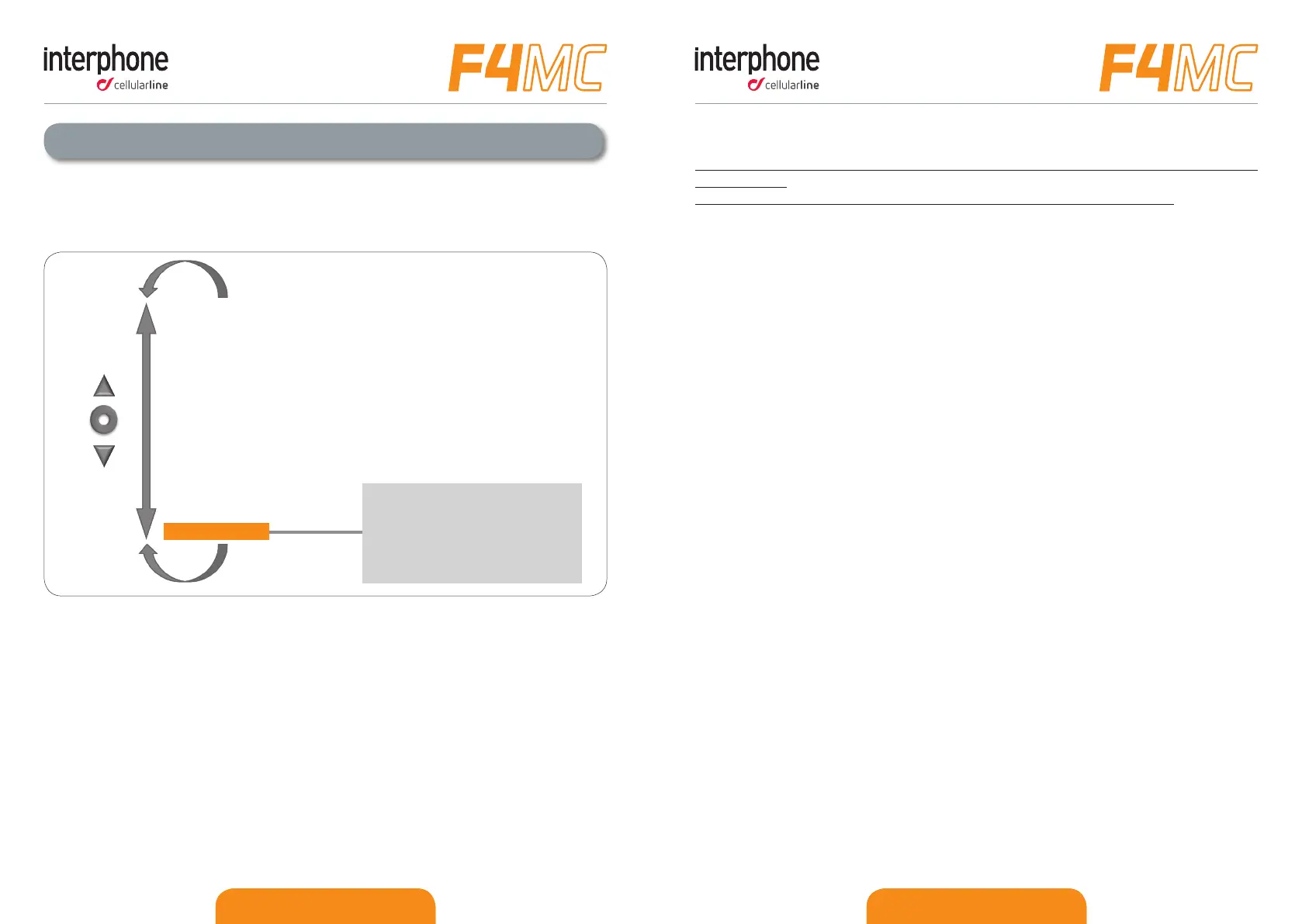
Once in “SETUP” menu, scroll items by UP (2) and DOWN (3) buon unl you nd the
one you want.
Press MFB (1) buon unl the beep to change seng or enable a funcon.
● RDS: allows the F4MC receiver to re-tune to a dierent frequency, providing the
same staon when the rst signal becomes too weak. It is possible enable/disable
the funcon.
● Call ID: when you receive a phone call, F4MC pronounce the name of the caller. It is
possible enable/disable the funcon.
● AUTOMATIC VOLUME: (FULLFACE HELMET/JET HELMET/OFF): F4MC can adjust
volume automacally according as helmet you are using. The user can completely
disable the funcon and adjust the volume manually. AUTOMATIC VOLUME
CONTROL OFF allows to gain maximum.
● VOICE ANSWER: user can answer to a phone call just speaking a voice command. It
is possible enable/disable the funcon.
● ERASE PAIRINGS: this funcon allows to cancel all devices paired before from
F4MC memory. At the rst restart F4MC will enter in pairing mode automacally as
explained in Chapter 2.4.
● VOCAL HELPS: F4MC has two dierent levels for vocal helps: FULL for unskilled user
and LIMITED for skilled user. It is possible to choose one of these two opons.
● ANYCOM SEARCH: acve search for other brand’s Bluetooth® headsets.
● INTERCOM SEARCH: acve search for INTERPHONE branded devices.
● PAIRING MODE: acve search for Bluetooth® devices such as mobile phone, GPS
navigator, MP3 player etc.
● LANGUAGE SELECTION: acve the selecon of languages. Wait when you hear
your language and then press MFB (1) buon to conrm it.
3 – Sengs
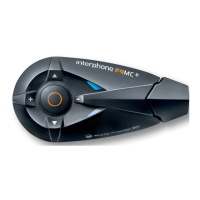
You can easily customize your F4MC . From Standby mode (Blue led (6) ashing), press
UP buon (2) and aer MFB buon (1) to acve “SETUP” menu, entering in the main
funcons Pic.3.
INTERCOM/STAND BY
PHONE
FM RADIO
MUSIC STREAMING
AUXILIARY INPUT
SET UP
RDS on/o
CALL ID on/o
FULLFACE HELMET/JET HELMET/AUTOMATIC VOLUME CONTROL o
VOICE ANSWER on/o
ERASE PAIRINGS
full/limited VOCAL HELP
ANYCOM SEARCH
INTERCOM DEVICE SEARCH
PAIRING MODE
LANGUAGE SELECTION
(2)
MFB
(3)
Pic.3


 To Next Page