5
If you have any queries regarding these safety instructions or how to maintain the unit
please do not hesitate to contact us on:
+44(0) 870 770 8088
Servicing. Do not attempt to service this product yourself. Should an unauthorised person
attempt to either open the covers or service our products, it may invalidate your Limited
Factory Warranty. In addition, opening or removing covers and screws may expose you to
electric shocks or other hazards. Refer all servicing to a qualified service personnel.
Setting Up
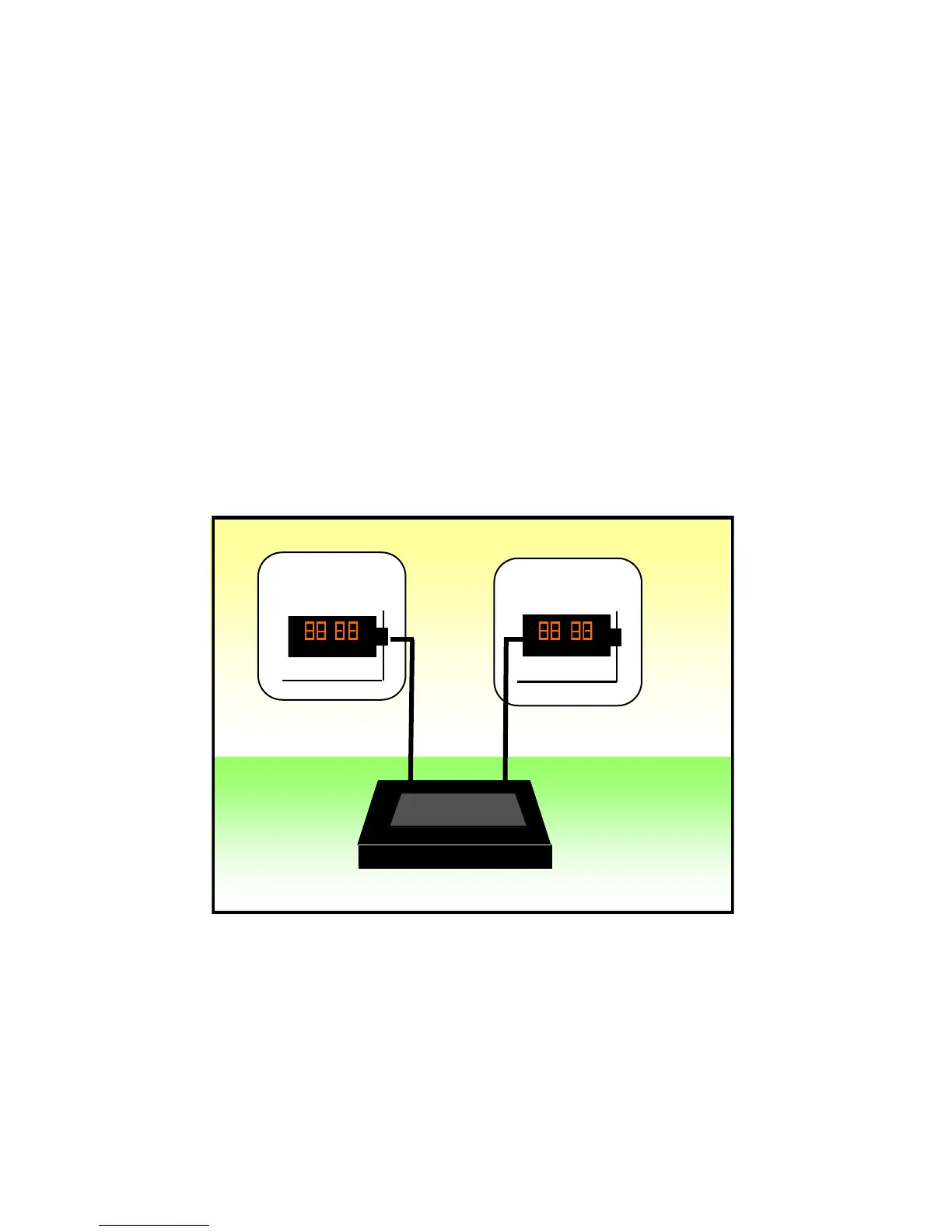
All connections can be made using standard 3-pin XLR (mic) cables. CountDown Touch
can be set up and operated over a combined total distance of no more than 100 meters
(300’) to the remote displays.
Note: A combination of displays and optional intelligent lamps can be added to the
system using standard mic cable splitter (3-pin XLR type), such as our own Splixler
product thereby providing for multiple displays, for instance displays located on more
than one lectern. The sum of the total distance between all displays and the main unit
should not exceed 100m(300’).
Main Lectern
Support Lectern
Stage
Control Desk
Figure 1 Connections Diagram
CountDown
Touch
:
:


 To Next Page