7 / 18
7. Back shell
8. Main vertical louver
9. Horizontal louvers connecting rod
10. Vertical louvers connecting rod
11. Handle (right side for remote control storage)
12. Protective net of exhaust vent
13. Universal plug fixing holes
14. Wire winding pillar
15. Back shell
16. Power cord
17. Drain hole and cover
18. Filter
19. Filters
20. Filter
21. Chassis
22. Remote controller
23. Exhaust hose assembly
24. Exhaust hose adapter
25. Window seal-plate assembly
Operation and Settings
1. Control Panel
This section explains proper mobile air conditioner operation.
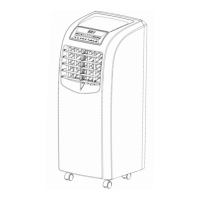
Figure 3
2. Control Panel Operation
This unit is with Cool, Dehumidifying, Fan and Sleep modes operations.


 To Next Page