6 7
On/Off Function
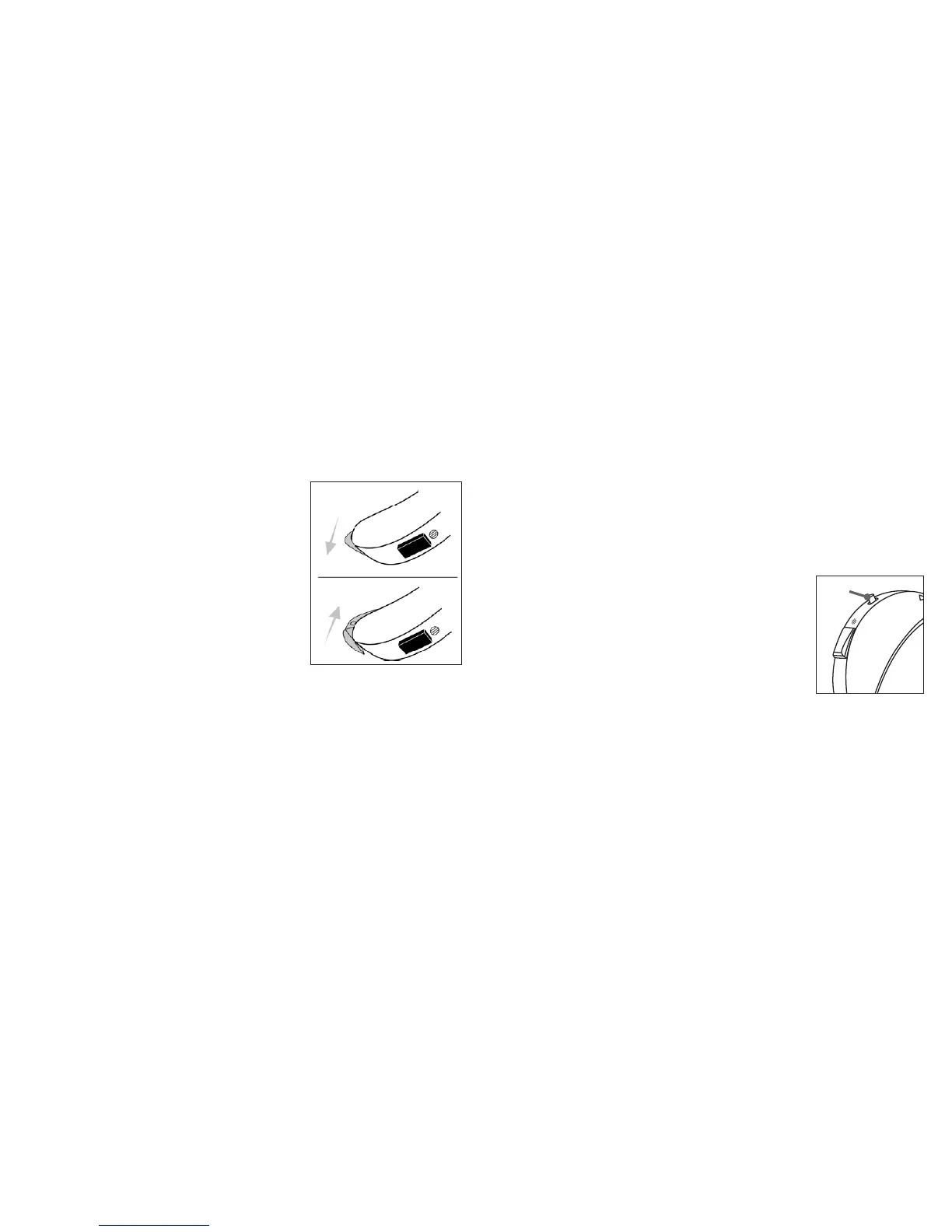
The door to the battery compartment serves as the
On/Off switch for your hearing instrument. When the
door is fully closed, the instrument is on. To turn the
instrument off, press the tab on the base of the
instrument with your fingertip until the battery door
snaps partly open, then put your fingernail under the
nail grip and pull gently to open it completely.
Tip: To reduce battery consumption,
turn the instrument off when it is not in use.
Stand-By Mode
Stand-by mode reduces battery consumption since only
a small amount of power is used. When in stand-by mode, the hearing instrument will
not deliver sound to the ear.
IfyourhearinginstrumenthasaMemorySelector,youcanputtheinstrumentintostand-
bymodebyholdingdowntheMemorySelectorforveseconds.Youwillhearaseries
of beeps, indicating that the instrument is now in stand-by mode.
Toreturntofunctionalmode,simplypresstheMemorySelectoronce.
Volume Control
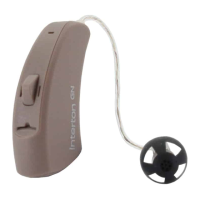
Your hearingsystem is equippedwithatoggle volumecontrol.
Simply press the toggle up to increase the volume, or down to
decrease the volume.
For each volume step, you will hear a beep signal indicating the
change. The loudness of the beeps will increase as you turn
the volume up and decrease as you turn it down. If you reach
the upper or lower limit of the volume control range, there will
be a different type of beep signal with a lower pitch.
volume control



 To Next Page