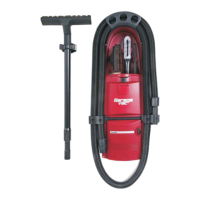
5
HOW TO OPERATE YOUR VACUUM CLEANER
IF THE VACUUM STOPS RUNNING:
If the vacuum hose becomes clogged the motor will shut off. Push the switch into “source” (Model CS8-R)
or “off”position (Model CS8-C) and let the motor cool down for one hour. Restart the vacuum without the
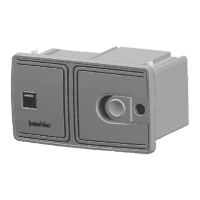
vacuum hose attached and push the slider cover to open on the front panel, let the vacuum run for
about 10 minutes. If vacuum keeps running the hose or the tools are clogged.
PLEASE SEE TROUBLE SHOOTING GUIDE.
A. Connecting and disconnecting the friction vacuum hose.
1. Push the slider cover on the front panel to the open position.
2. Insert hose cuff with a twist and push to secure.
3. To remove, turn cuff in either direction while pulling hose towards you.
B. On / Off Switch
1. To start the vacuum cleaner, push the switch to the “I” on or “VAC” position depending on your model.
2. To stop the vacuum cleaner, push the switch to the “O” off or “MICRO / SOURCE” position depending on
Model.
C: How to change the Y10 dust bag. DO NOT REUSE DUST BAGS
CS6 and CS8 MODELS single collar bag
Replacement bag: Part # Y10 high filtration 5 layer fiber bag.
1. Remove the front panel on the vacuum cleaner by sliding the latch/lock to the left and remove the front
panel and dust bag.
2. Carry front panel and dust bag to the trash container. Remove full bag and discard.
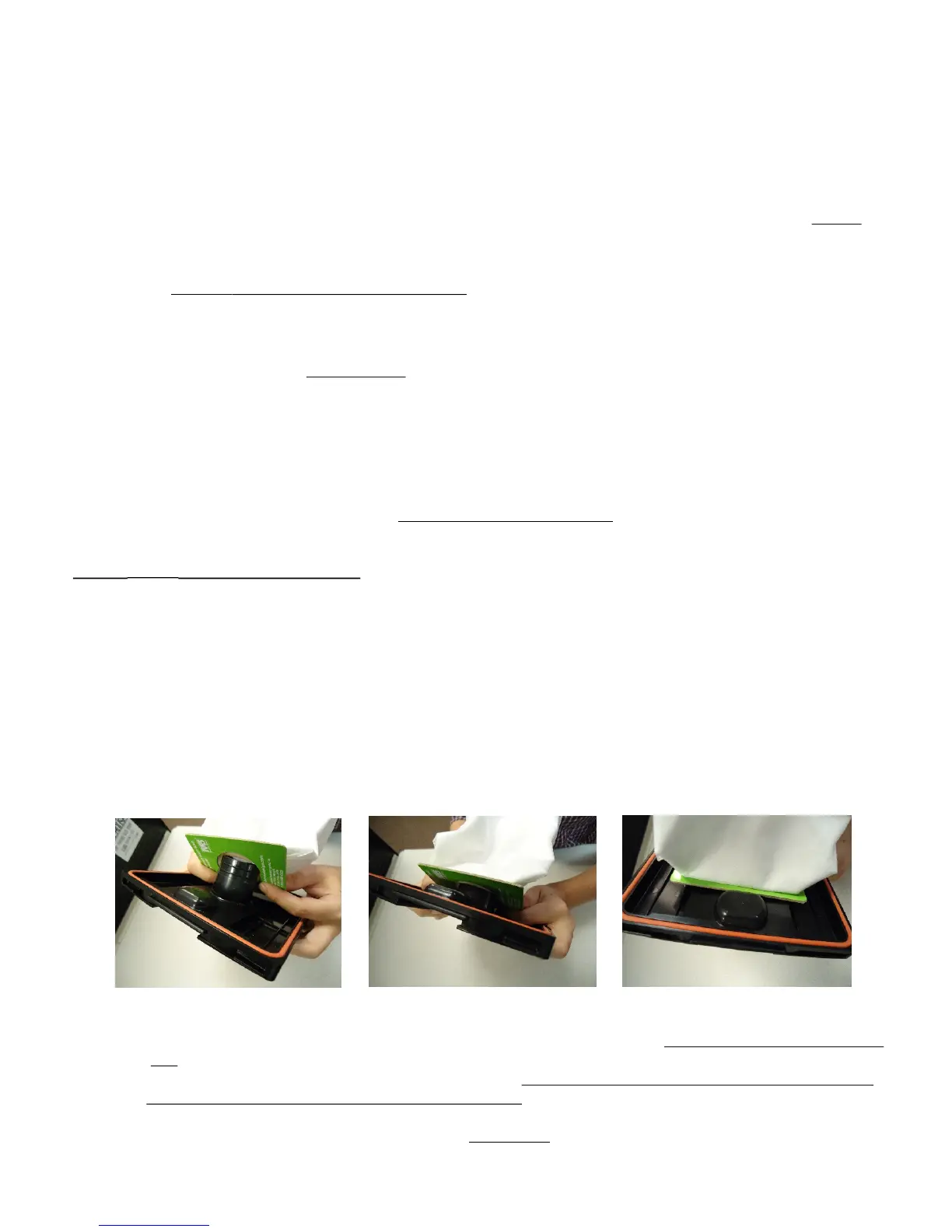
3. Push the card board collar of the new dust bag all the way over the pipe on the front panel. Pictures A to C
4. Slide the front panel, with the left side first into the small slots on the left side of the vacuums frame,
ensure dust bag is completely inside compartment, then push the right side into the frame until the lock/latc
clicks into place. With your thumb you might have to push the lock/latch further to the right.
Picture A Picture B Picture C
C: To change motor filter, Replacement Part # Y22
1. Remove FRONT PANEL with DUST BAG.
2. On the left side, inside the vacuum chamber, you will see the filter with the arrow pointing towards the back
wall.
3. Replace the filter with a new or cleaned filter, with the arrow pointing towards the back wall check that the
filter stays on the left side of the top and bottom frame.
4. If the filter is dirty you can wash in mild soap by hand.
Do not clean in washing machine. Let filter dry completely and reuse as needed.


 To Next Page
 Loading...