PI – 03/04 Modulating Digital Thermostat
-6-
INSTALLER SETUP
The following instructions provide information to test the cooling equipment and to change operating
parameters from the factory settings.
Enter Installer Setup
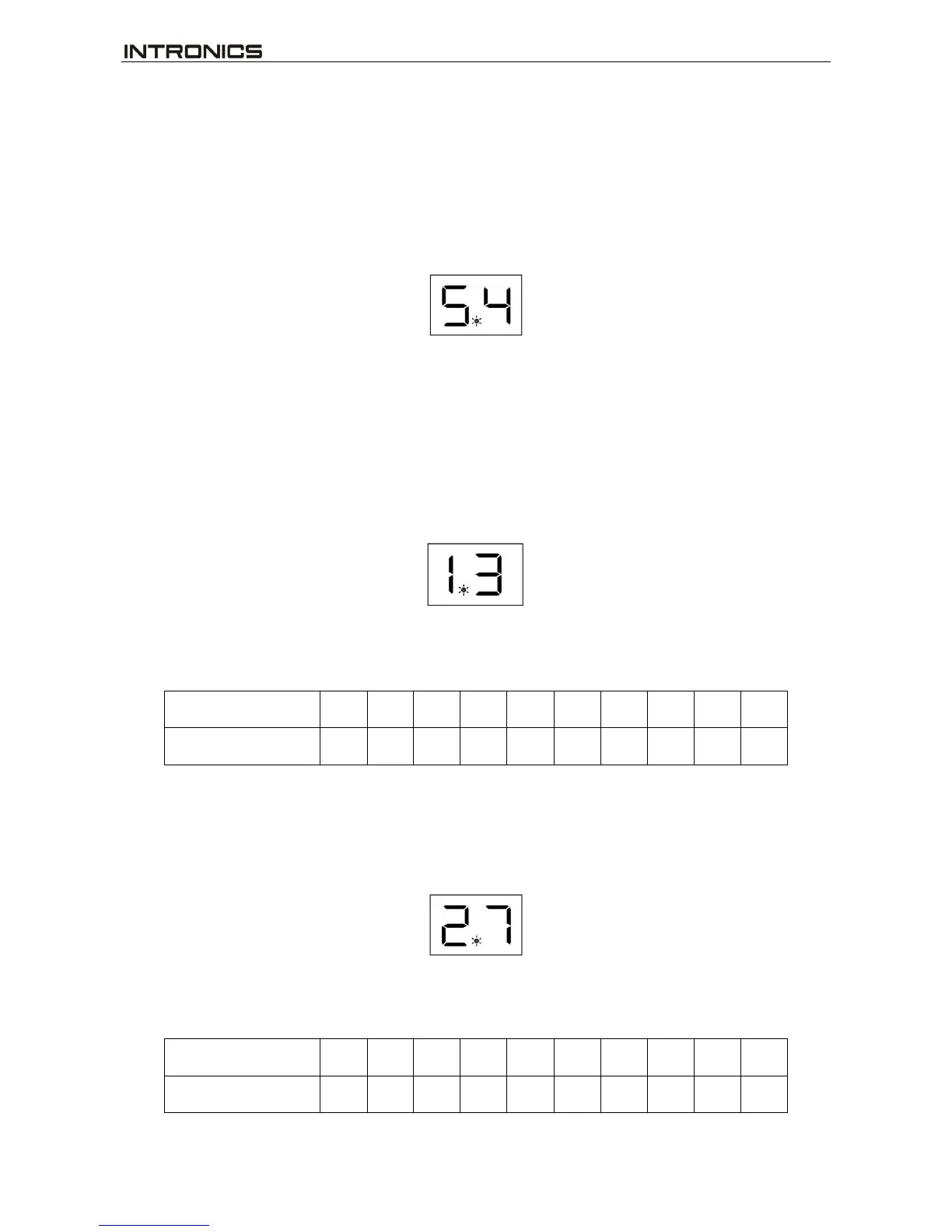
Press and hold △and ▽key simultaneously for 10 seconds to enter installer setup. The dot between the two
digit display lits showing the Installer Setup mode.
The first digit shows the Programming number.
The second digit shows the Parameter setting.
Now follow the following steps to change each of the settings. Each time you press △key, you will advance
to the next Programming number. The ▽key is used for Parameter setting.
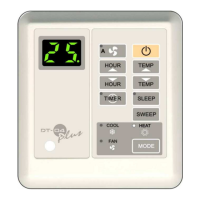
Program 1 : Minimum temperature setting
To set the minimum temperature (5-23 ºC) allowed for the user.
Press △ key until the first digit is 1.
Press ▽key until the second digit is as required. See table below.
Note : Default setting is 11ºC.
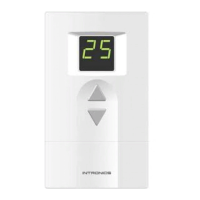
Program 2 : Maximum temperature setting
To set the maximum temperature (16-34 ºC) allowed for the user.
Press △key until the first digit is 2.
Press ▽key until the second digit is as required. See table below.


 To Next Page