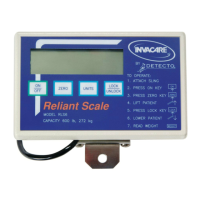
Reliant Scale RLS6 6 Part No 1114832
NOTE:Thepatientʹsweightwillcontinuetobe seeninthedisplaywindow.
NOTE:Thedisplaywillturnoffautomatica llyafteratwominut eperiodofnon‐use[nochanges inweightexceeding
fivepounds(two kilograms)].Youcan notadjustthetimedelayforautomaticshutoff.
NOTE:Afterthedisplayhasturnedoff,theweightmayberecalledbypressingtheON/OFFbutton.
NOTE:TheunitcanbeturnedoffbypressingtheON/OFFbuttonasecondtime.
Replacing the Battery
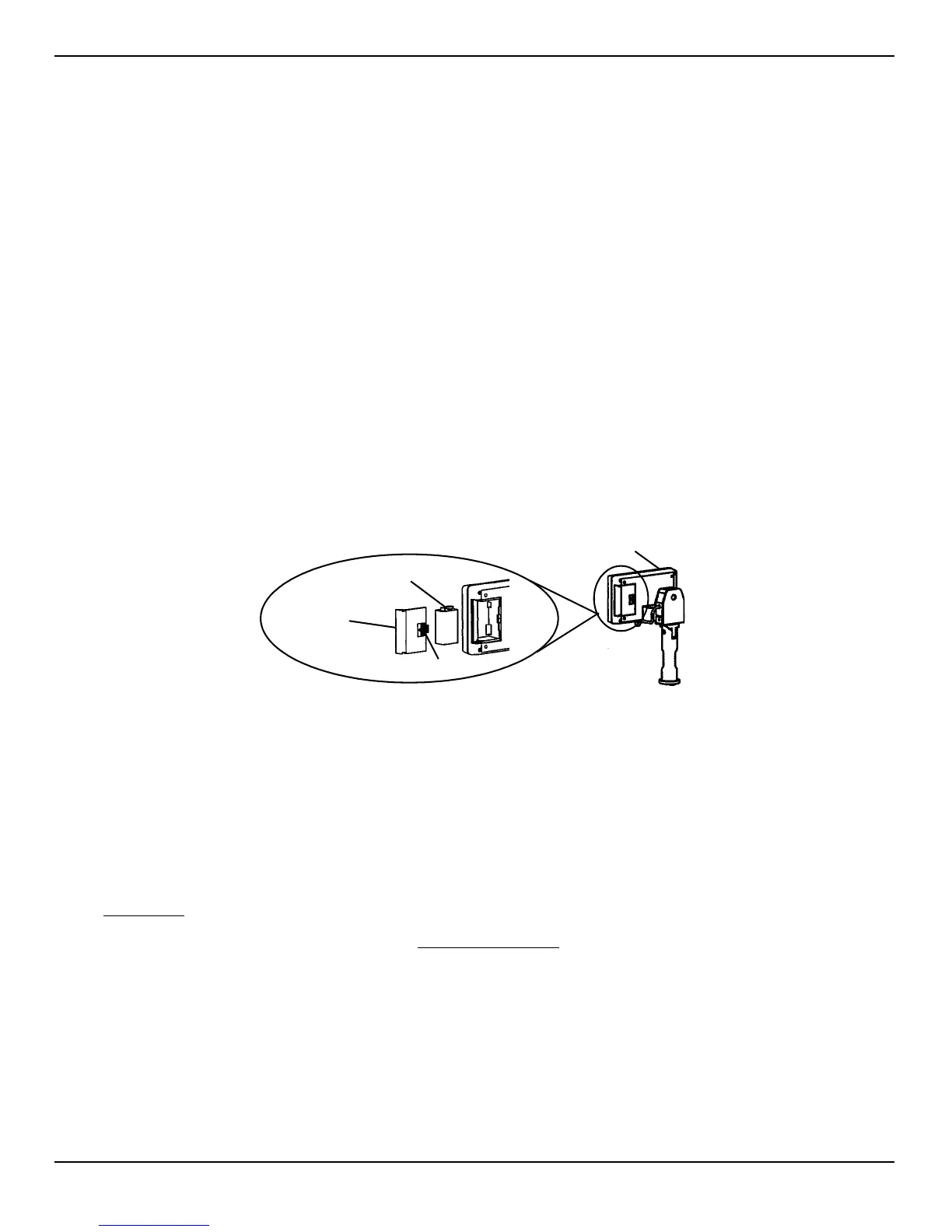
NOTE:For thisprocedure,refertoFIGURE 4.
NOTE:Thescaleispoweredbyaninevolt alkalinebatterythatshouldpr ovideapproximately 1500readingsbefor e
needingreplacement.
Whenbatteryreplacementisneeded,LOBATwillappearonthedisplay.Performthefollowing:
1. Slidethebatterydooropeninthedirectionofthe
arrow.
2. Removeexistingbattery.
3. Installnewbattery.
4. Reinstallthebatterydoor.
FIGURE 4 Replacing the Battery
Calibrate the Reliant Scale
NOTE:For thisprocedure,refertoFIGURE 5onpage7.
NOTE:TheReliantScalewillbepre‐calibratedatthefactorywiththeloa dcell.Sho ulditbenecessarytore‐calibrate
thescale,followtheinstructionsoutlinedbelow .
1. ThepatientandtheslingMUSTberemovedfromthescaletoproperly
calibratetheReliantScale.Refer
toOperationinthePatientLiftOwner’sManualforfurtherinstructions.
2. Forslingdetachmentinstructions,referto LiftingthePatient
in thePatientLiftOwner’sManual.
3. TurnthescaledisplaypoweronbypressingtheON/OFFkey.
4. RotatetheSwivelBaruntilthebackofthescaledisplayisvisible.
5. Insertthetipofapapercliporsimilartoolintothesmallholeontheback ofthe scaledisplayandpress
theCALbutton.
NOTE:OncetheCALbuttonispr essed,“CAL1”willbeseeninthedisplaywindow .
6. PresstheUNITSkey.ThedisplayreadsCAL2.
Battery
Door
9V Battery
Assembled Scale
Arrow


 To Next Page
 Loading...