OPERATING INSTRUCTION
* To select those functions marked with the asterisk, press the
corresponding key, placed below the display.
** Referred only to Flute Plus, Flute HF
Access to examinations
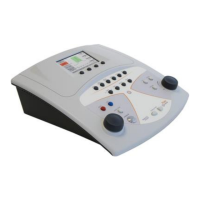
Flute: There are four buttons (7, 8, 9, 10) in the top half of the keyboard,
giving direct access to examinations. To bring up the screen for a given
examination, accordingly, press the corresponding button.
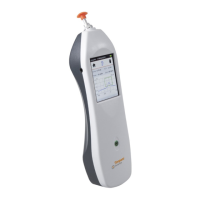
Viola: From the main window of the instrument, scroll the list of tests with
the left hand knob (34) and, having made the selection, access the relative
window by pressing OK* or the stimulus button (31).
Impedance / reflex tests
The first step in ensuring that an impedance or reflex will be performed
correctly is to select the earpiece best suited to the patient being examined,
and introduce the probe together with the earpiece into the patient's ear
canal, to the point at which a tight pressure seal is assured.
Tympanometry
• Select the ear being examined, left side or right side;


 To Next Page
 Loading...