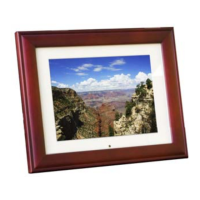
10 7-Inch Digital Picture Frame User’s Guide
7-Inch Digital Picture Frame User’s Guide 3
TECHNICAL SUPPORT OPERATION
FREQUENTLY ASKED QUESTIONS OPERATING CONTROLS
Q: Does the Digital Picture Frame use “touch-enabled technology?”
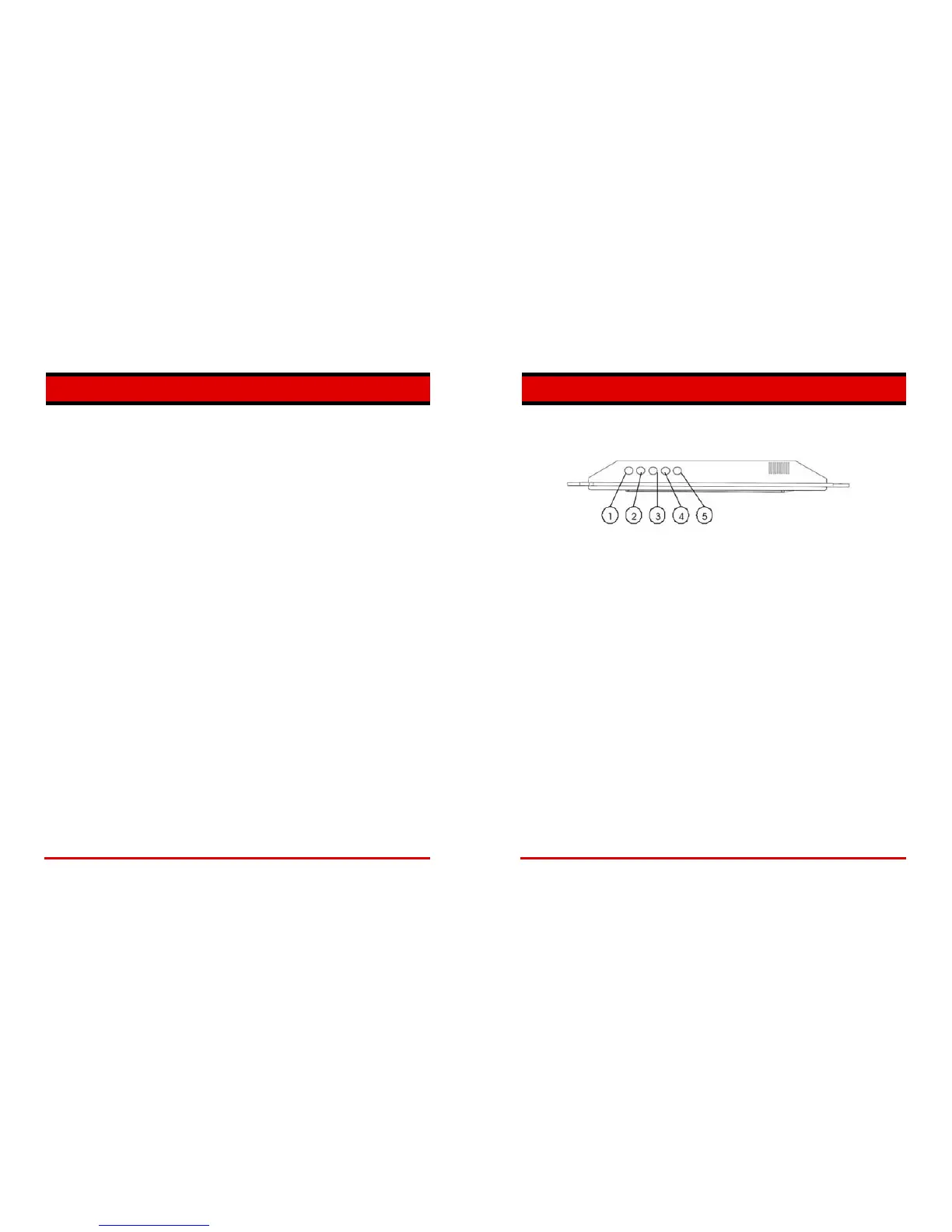
A: No, the LCD screen is not “touch-enabled.”. Use the buttons located on
the top edge of the frame to control the Digital Picture Frame.
Q: If I keep showing the same photo for a long time, will it damage the LCD
screen?
A: No. The Digital Picture Frame can display the same photo continuously
for extended periods. However, it is recommended that you change
photos once a month.
① PLAY/PAUSE ON/OFF
② LEFT
③ RIGHT
④ EXIT
Q: Does the Digital Picture Frame have built-in memory?
⑤ SETUP
A: No,The Digital Picture Frame doesn’t include internal memory .
PLAY/PAUSE ON/OFF: Press this button to pause a picture. Press this button again to
resume the slideshow. Hold this button for 3 sec, the unit will be turned off, then press and
hold this button for 2 sec., the unit will be turned on again.
Q: What is the maximum picture size?
A: The Digital Picture Frame is able to display pictures up to 10 Megapixels.
Q: What is the best picture resolution displayed on the screen?
LEFT: Press this button to see the previous picture.
A: The frame’s best resolution is 800 x 480.
Q: Why won’t some of my photos display on the Digital Picture Frame?
RIGHT: Press this button to see the next picture.
A: The Digital Picture Frame is designed to show photos following Joint
Photographic Experts Group (JPEG) format. This is the same camera
industry standards format as digital cameras. Images, such as web images,
scanned images, or photos in RAW format are not stored according to
camera industry standards and cannot be displayed correctly on the Digital
Picture Frame. Most graphics software applications will let you convert
images stored in incompatible formats to the JPEG format. Refer to the
documentation provided with your software application for details.
EXIT: Press this button to return to a thumbnail screen to enable easy selection of images.
SETUP: Press this button to choose function mode. Press “setup” button to choose
function as following: Press “play/pause” button to confirm.
Slide show time:Press this button to choose slide show speed as 3s,5s,15s,1min and
15min.
Transition effect:Random/off.
Display Ratio:Crop to Fill/Fit to Screen/Full Screen.
Language:English/Dutch/French.


 To Next Page